The client portal gives your agents and consignees their own login. They can check their boxes and invoices themselves, on a computer or phone.
Give a client access
The Owner and Finance can do this:
- Open Clients & Agents and choose the client.
- Open the Portal tab.
- Enter the person’s Name and Email, and choose Send invitation.
They get an email with a link to set their password. The link lasts 7 days, and you can add more than one person per client.
What clients can see
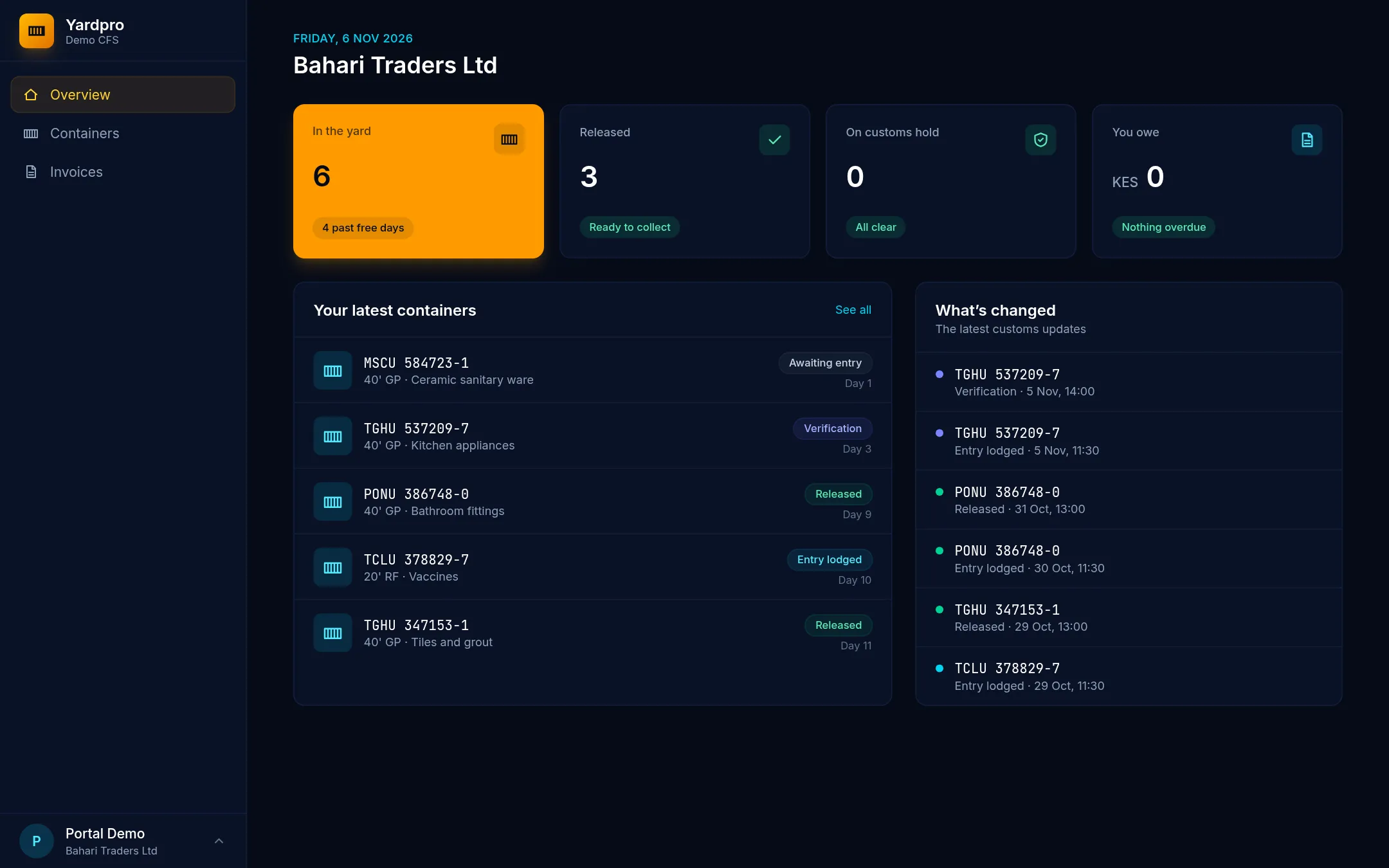
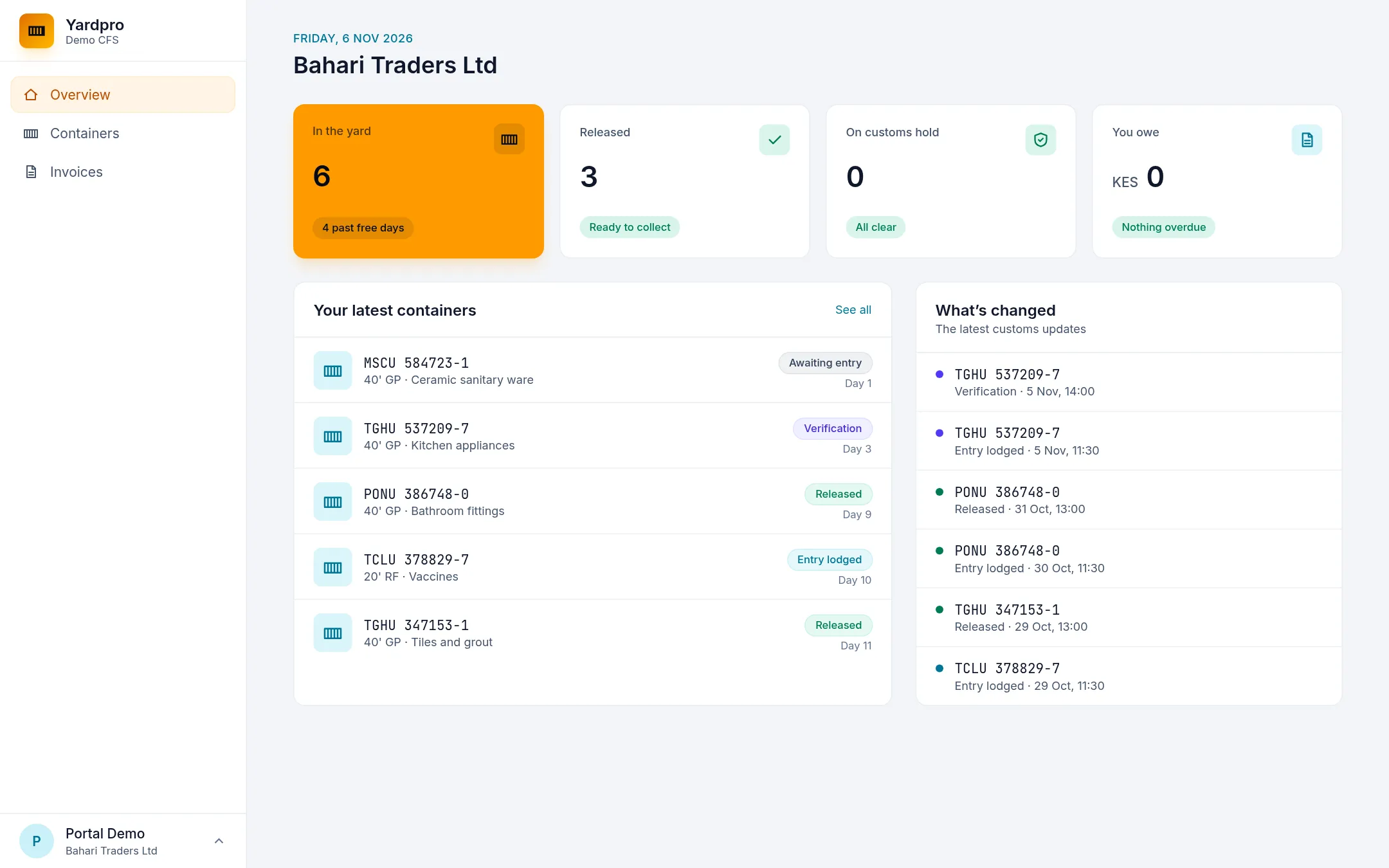
- Containers where they’re the consignee or the clearing agent.
- An overview of their boxes and what they owe.
- Each box’s progress from arrival to collection, its dates, days in the yard, any booked inspection or truck, and its history.
- Their own invoices and balance, which they can print.
What stays private
- Other clients’ boxes and invoices.
- Staff names and internal notes.
- A box’s yard slot.
- Storage charges on a box someone else pays for. If an agent is billed, the consignee can follow the box but won’t see its charges.
Forgotten passwords and leavers
Clients can’t reset their own password. On the Portal tab, choose Send new link, which also replaces their old password link. Choose Remove access when someone leaves: they’re signed out straight away.
Clients sign in at /portal/login on your Yardpro address.