Open an invoice from Invoices & Storage to see its balance and payments.
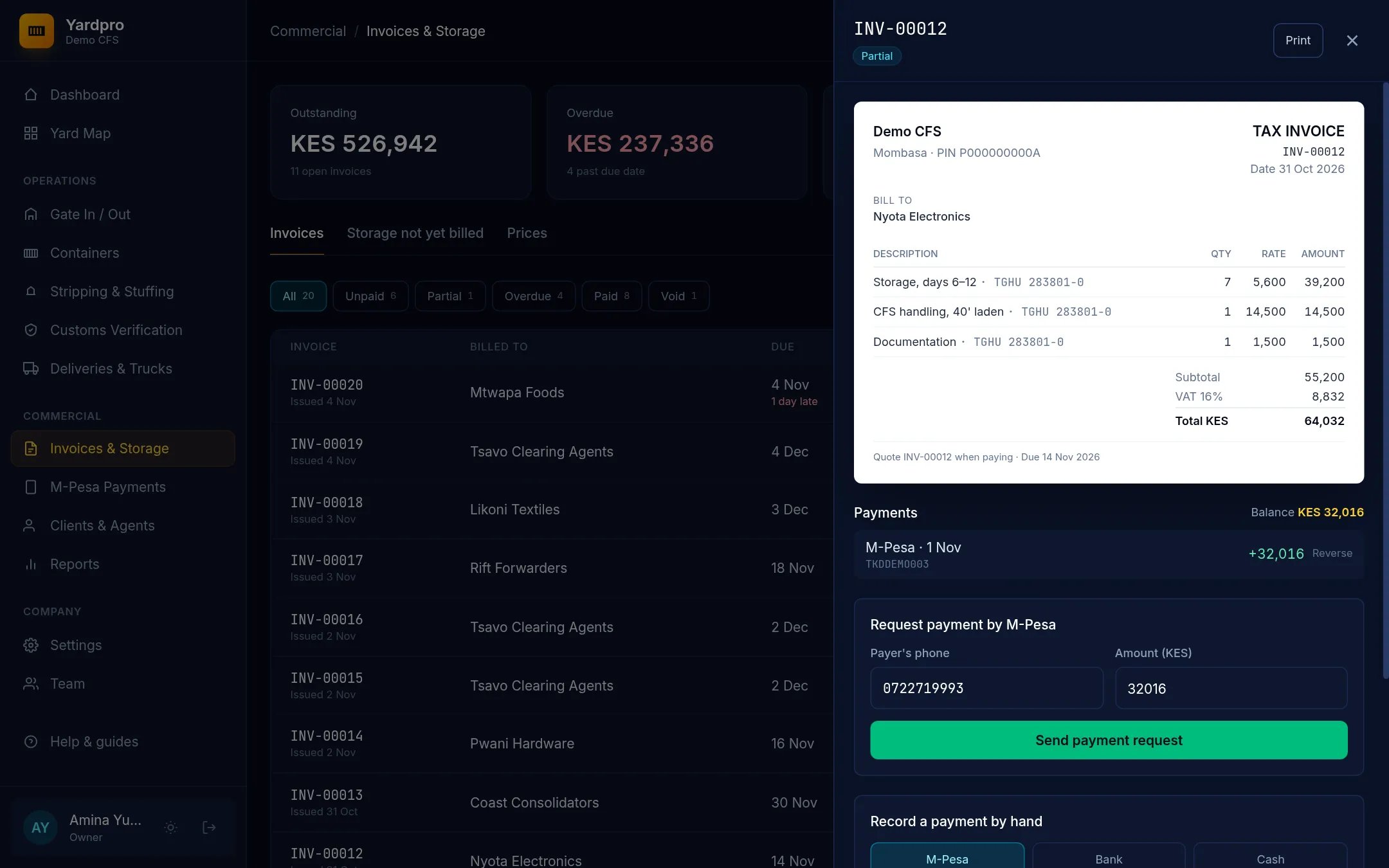
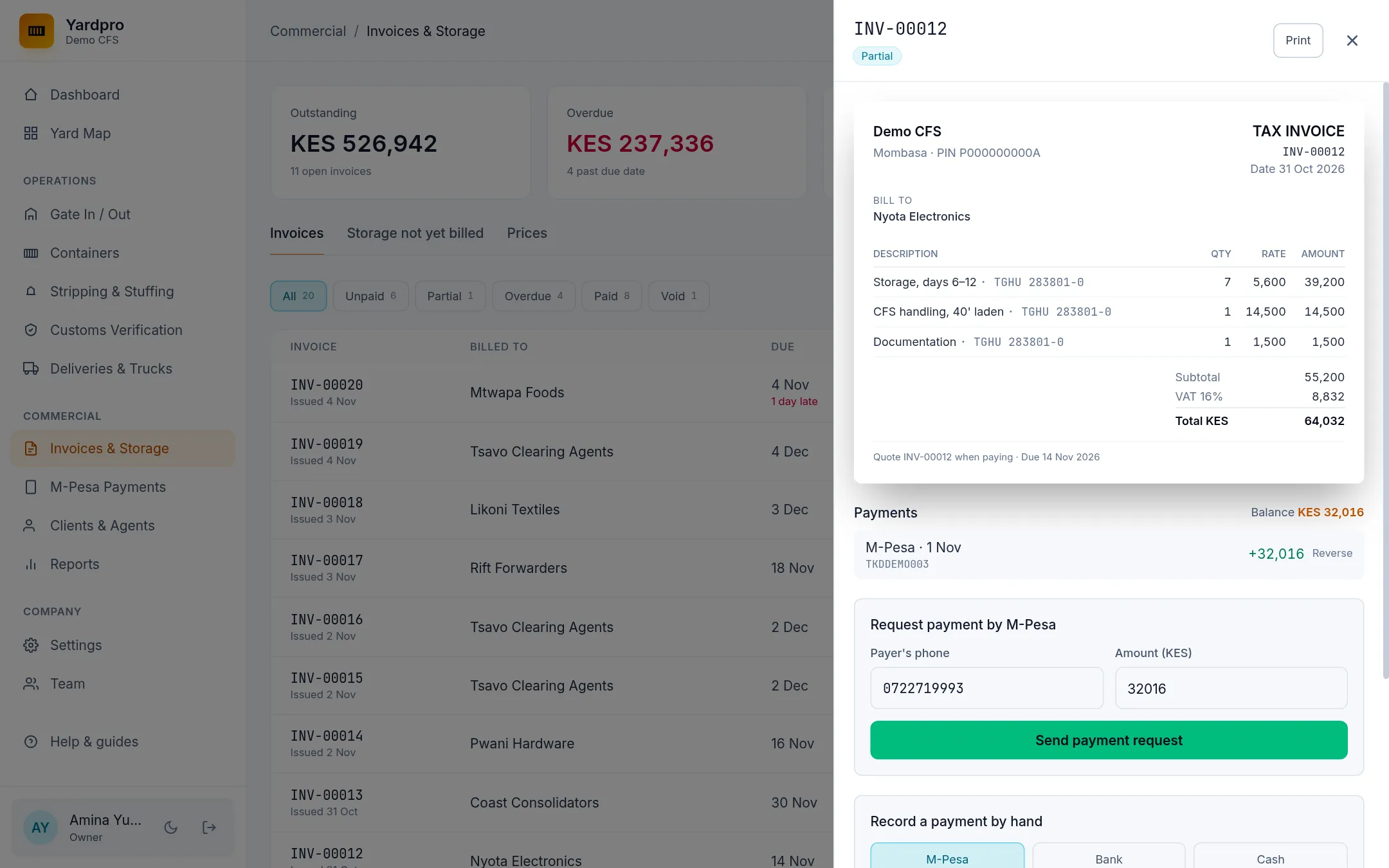
Record a payment by hand
- Under Record a payment by hand, choose the method: M-Pesa, bank or cash.
- Enter the amount and the Date paid.
- Enter the receipt or transaction reference. It’s optional for cash.
- Choose Record payment.
You can part-pay an invoice, but not pay more than its balance. A reference can’t be used twice.
Tip: If an M-Pesa receipt has already come in on the M-Pesa screen, match it there instead of typing it here. See M-Pesa payments.
Reverse a payment
If a cheque bounces or you’ve recorded the wrong amount:
- Choose Reverse next to the payment.
- Give the reason.
- Choose Confirm.
The balance goes back up. The reversed payment stays on the invoice with its reason, so the history is complete.