The Customs Verification board shows every open inspection, in a column for its stage.
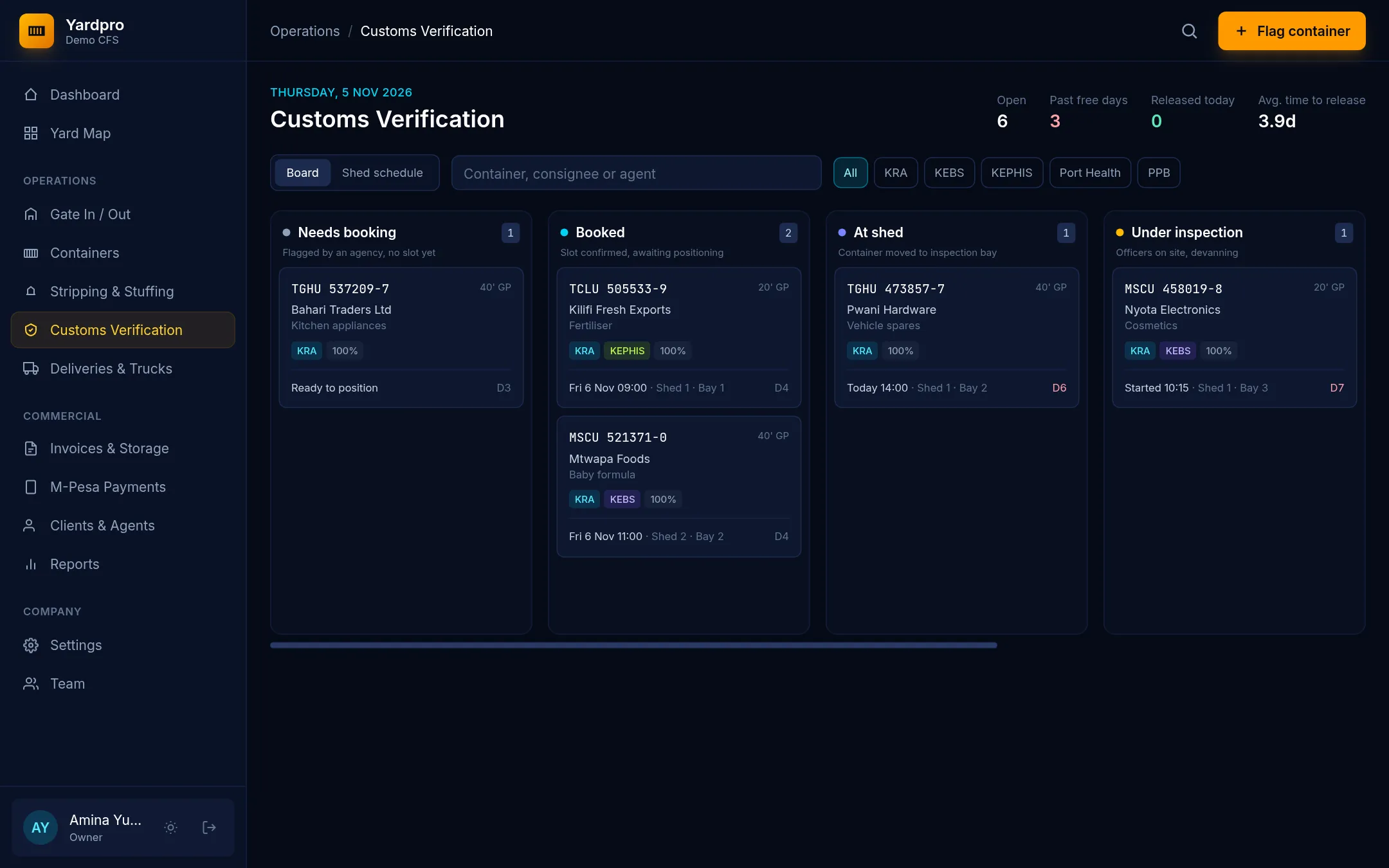
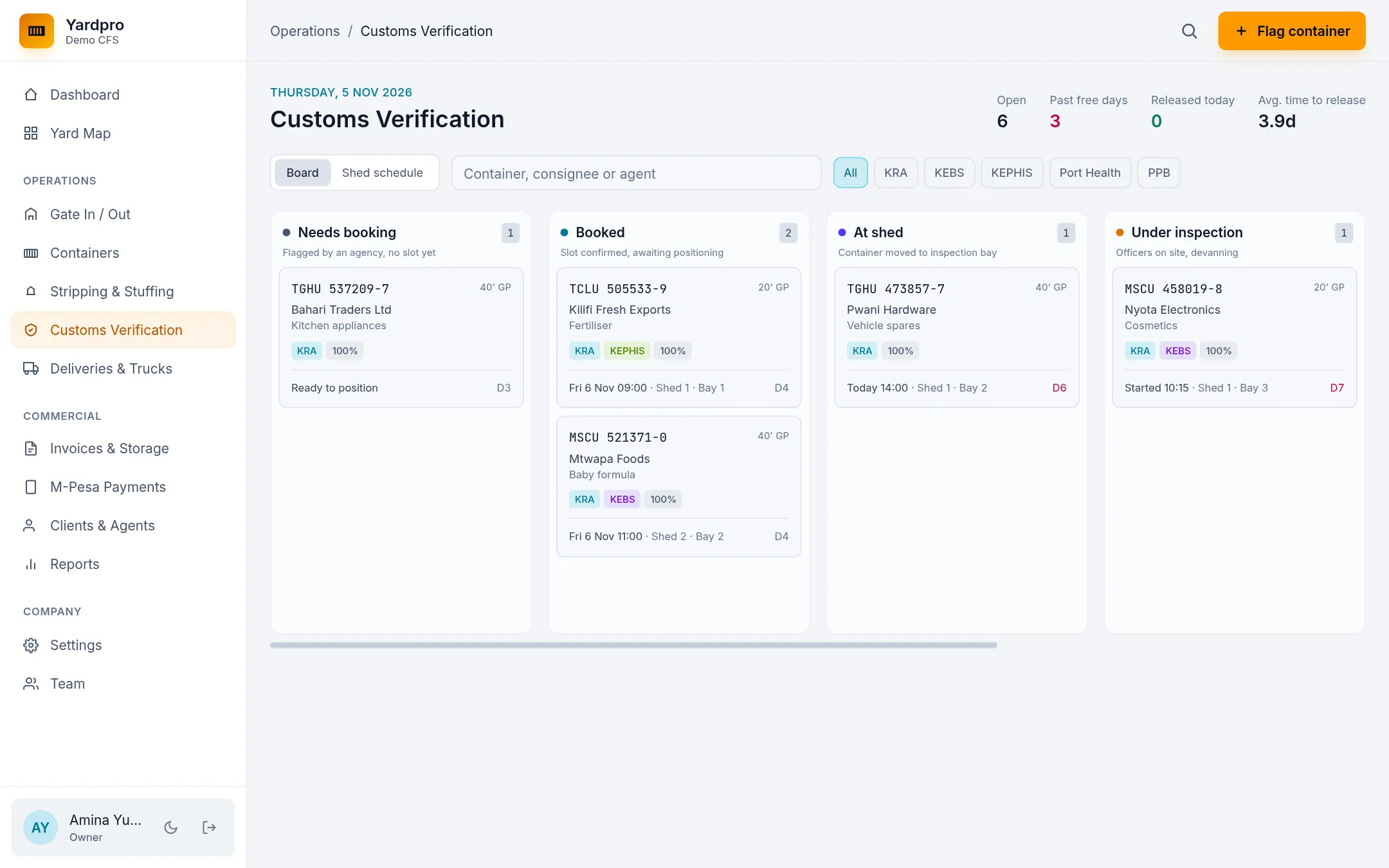
Flag a container
- Choose Flag container.
- Choose the container. It needs a lodged entry first.
- Tick the Agencies: KRA, KEBS, KEPHIS, Port Health or PPB.
- Choose the scope: 100%, 50%, 25% or Sample.
- Choose Flag for verification.
It lands in Needs booking.
Book the inspection
Click the card to open it, pick the Date, Time and Bay, and add the Officer if you know them. Then choose Book slot.
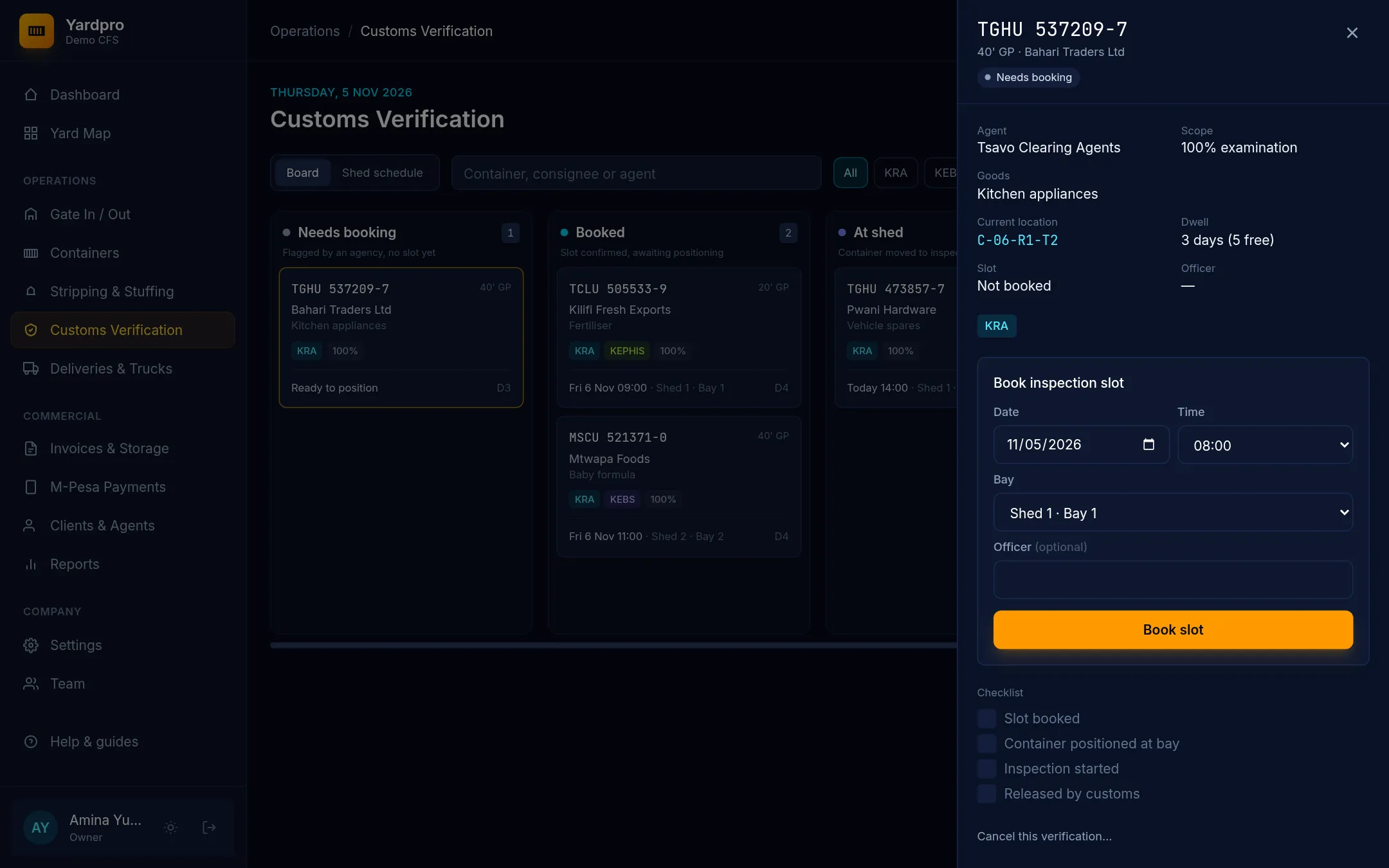
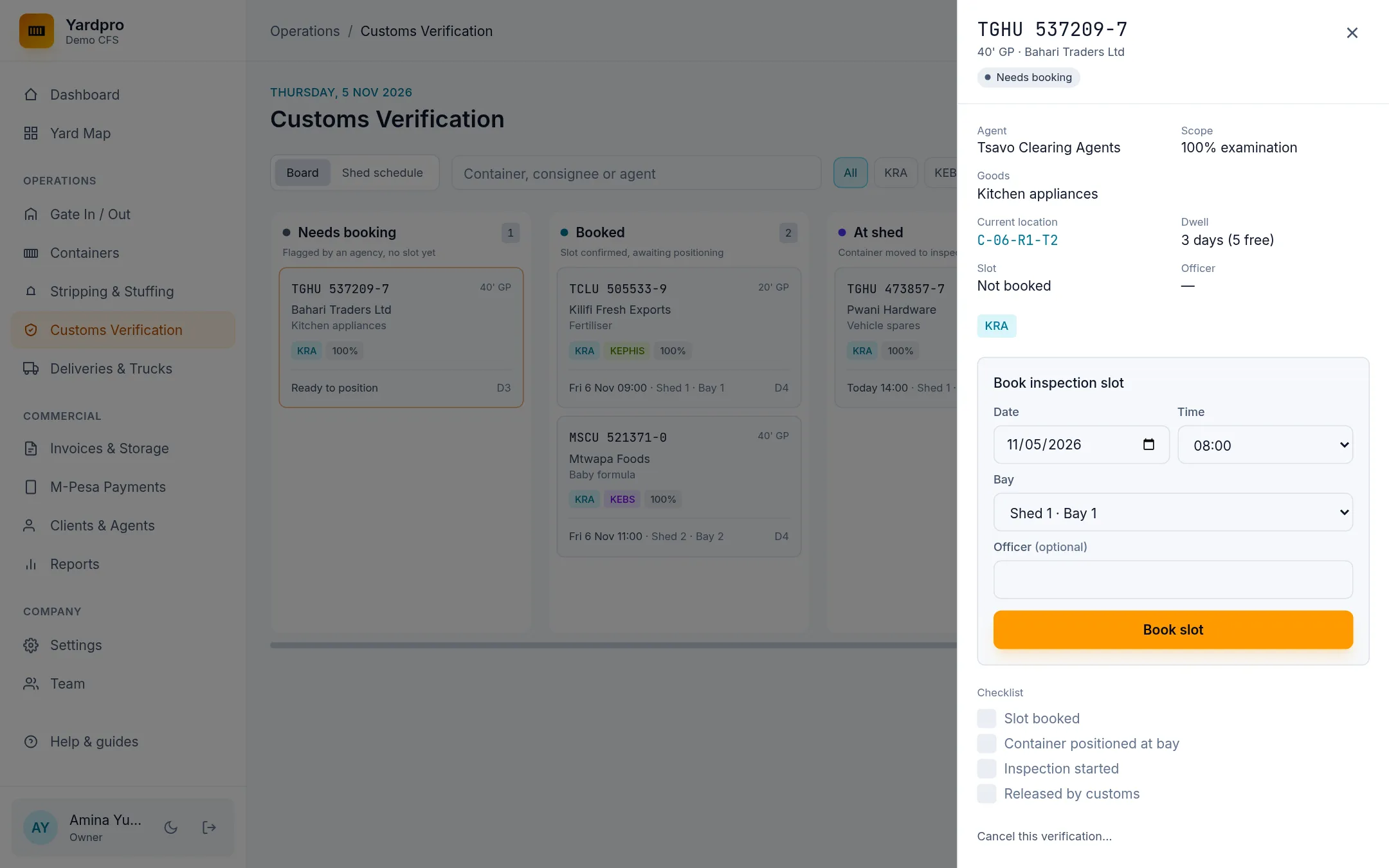
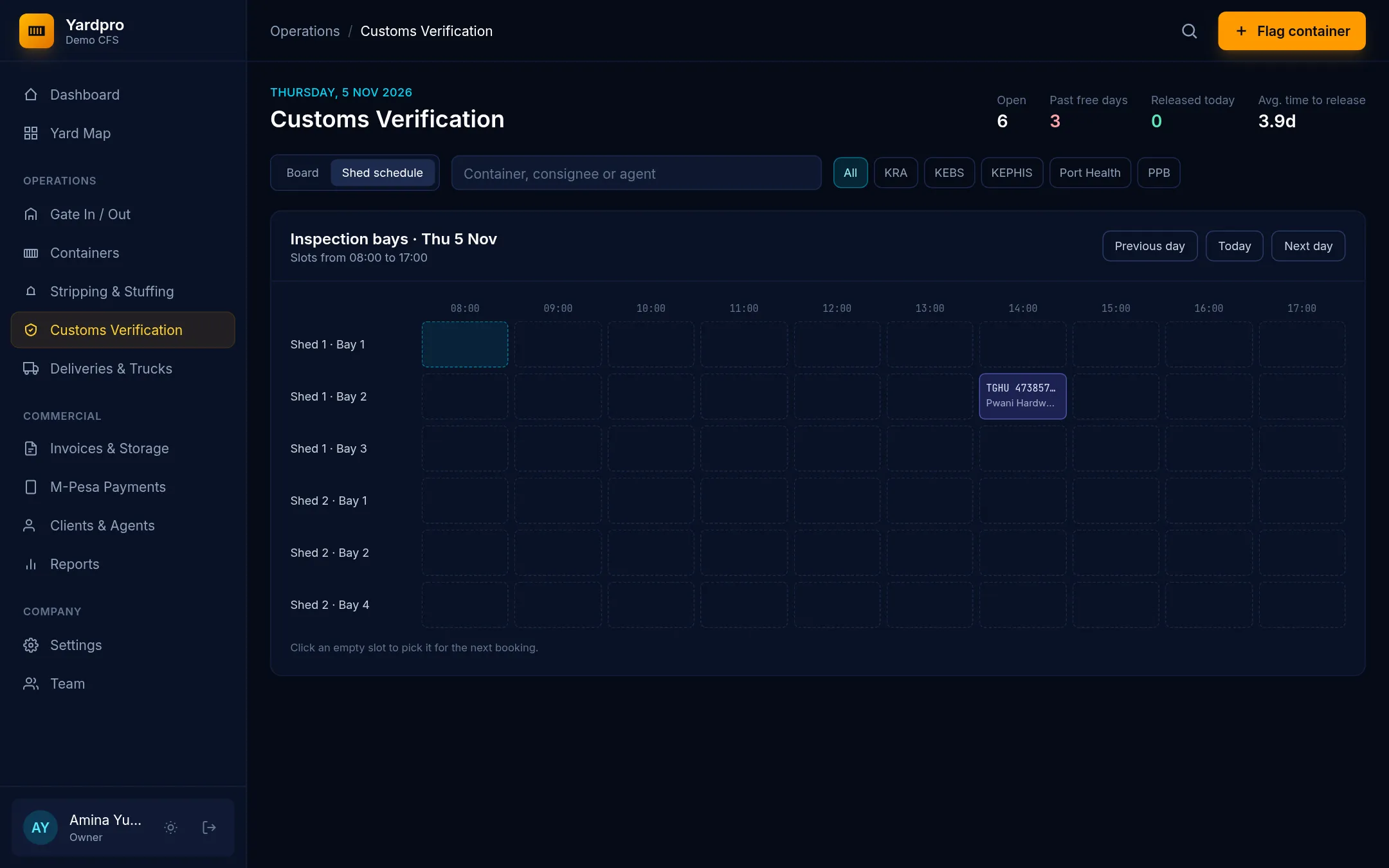
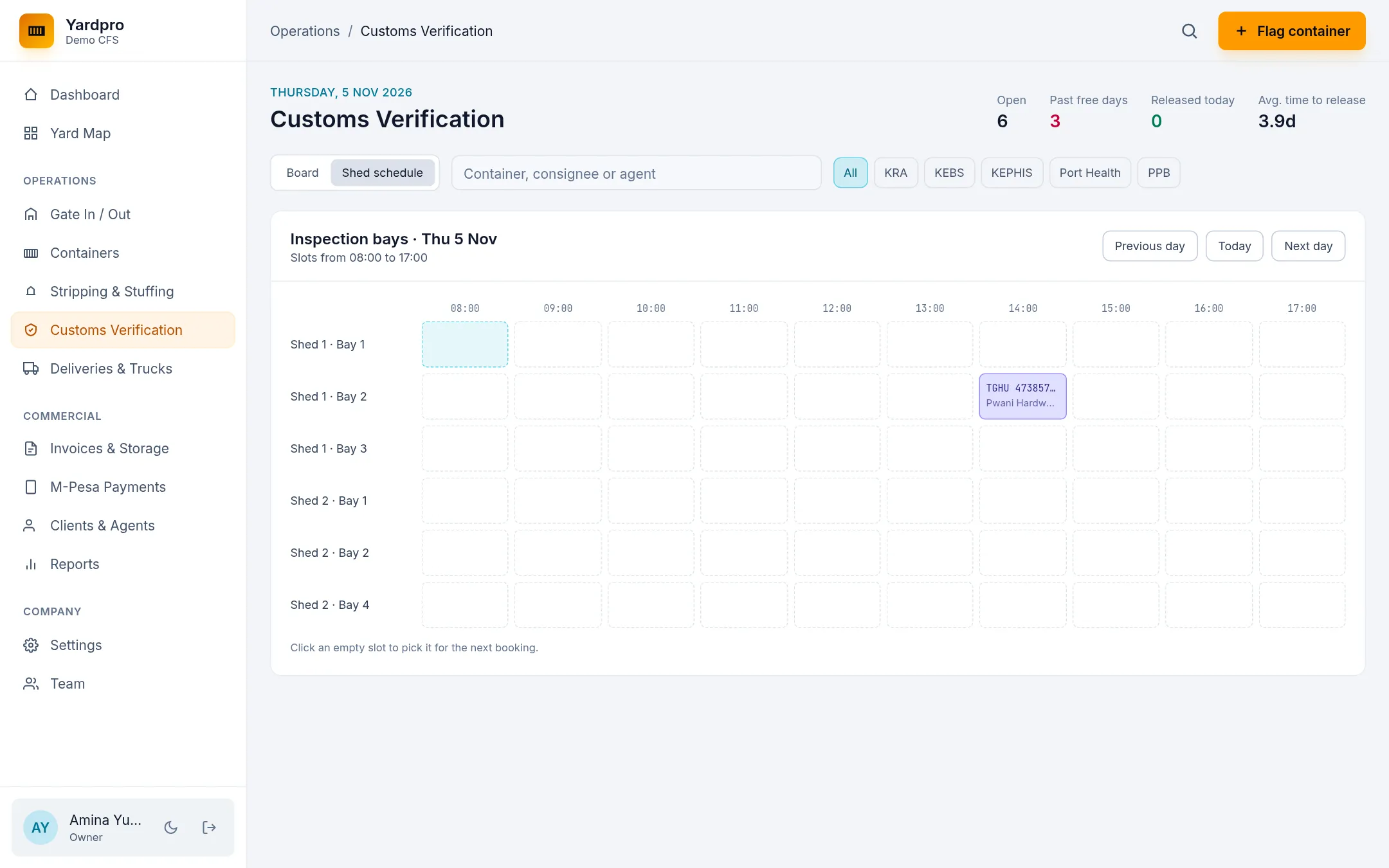
The Shed schedule view shows every bay against every hour. Click an empty slot to pick it for the next booking.
Take it through the stages
Open the card and choose the next step:
- Mark positioned at shed moves the box to the bay. The bay must be free.
- Start inspection records when it began.
- Mark released releases the box and sends it back to a yard slot.
If the officer finds a problem, choose Raise query and write what they found. Choose Start inspection to carry on once it’s answered.
Note: A box on customs hold can’t be released here. Clear the hold on its page first.
Reefers
For a reefer, the bay must have power. Keep unplugged time under 2 hours.
Call it off
Open the card, choose Cancel this verification… and give a reason. If the box was at the shed, it goes back to its stack.