Every container has one page. Open Containers and choose a box, or find it with Ctrl + K.
Overview
The Overview tab shows the parties, cargo, seal, condition at gate in and customs entry. If you can open Invoices, you’ll also see its storage and what’s been billed.
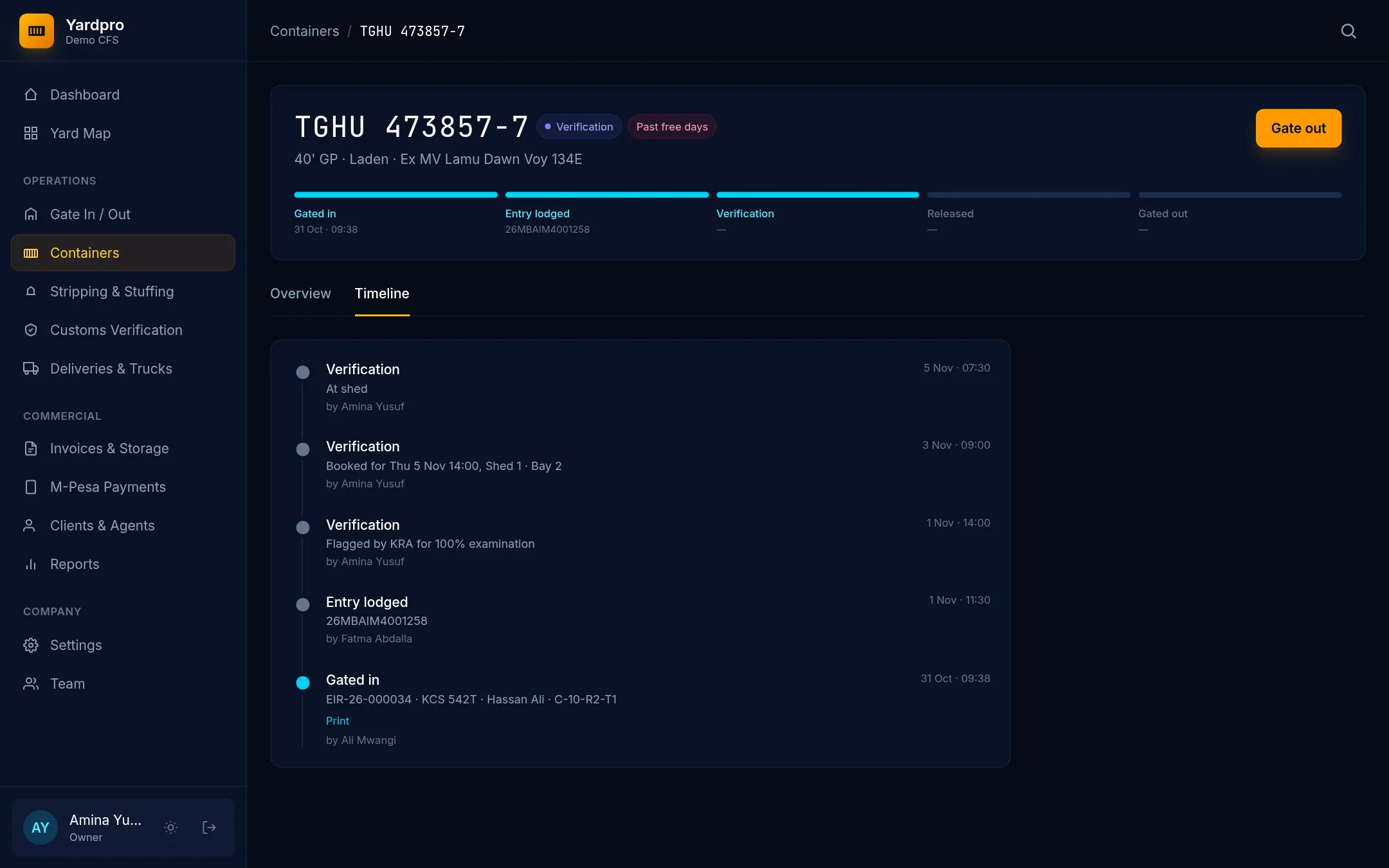
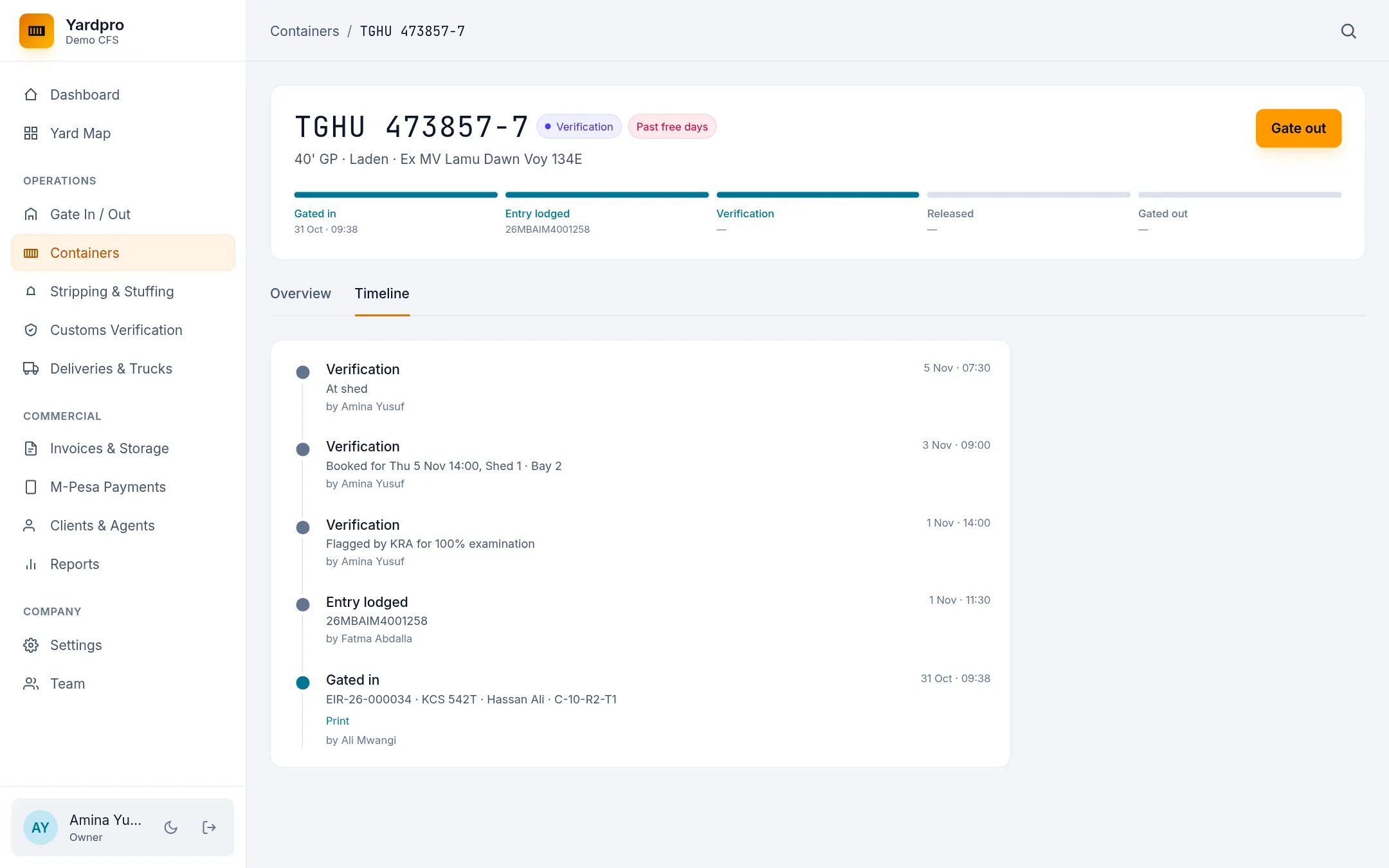
Timeline
The Timeline tab lists everything that’s happened to the box, with who did it and when. Gate moves have a Print link for the EIR or gate pass.
Move a box
An Owner or Yard Supervisor can move a box to another slot:
- Under Yard Location, type the new slot in Move to, like
A-04-R2. - Choose Move.
Yardpro picks the tier, follows the stacking rules, and settles the old stack so nothing is left floating.
Note: A box at a shed for verification, or being stripped or stuffed, can’t be moved. It comes back to the yard when that work finishes.