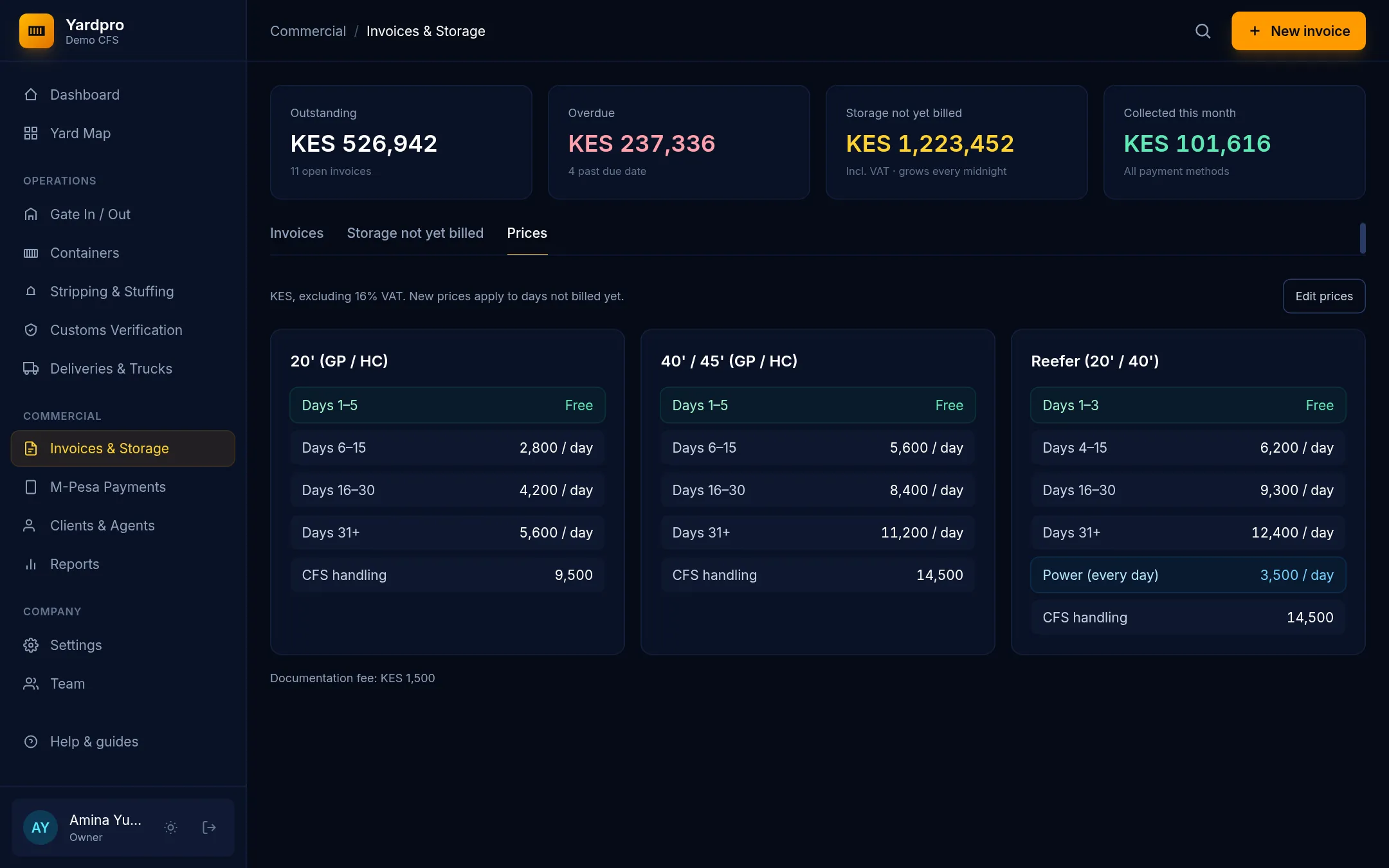
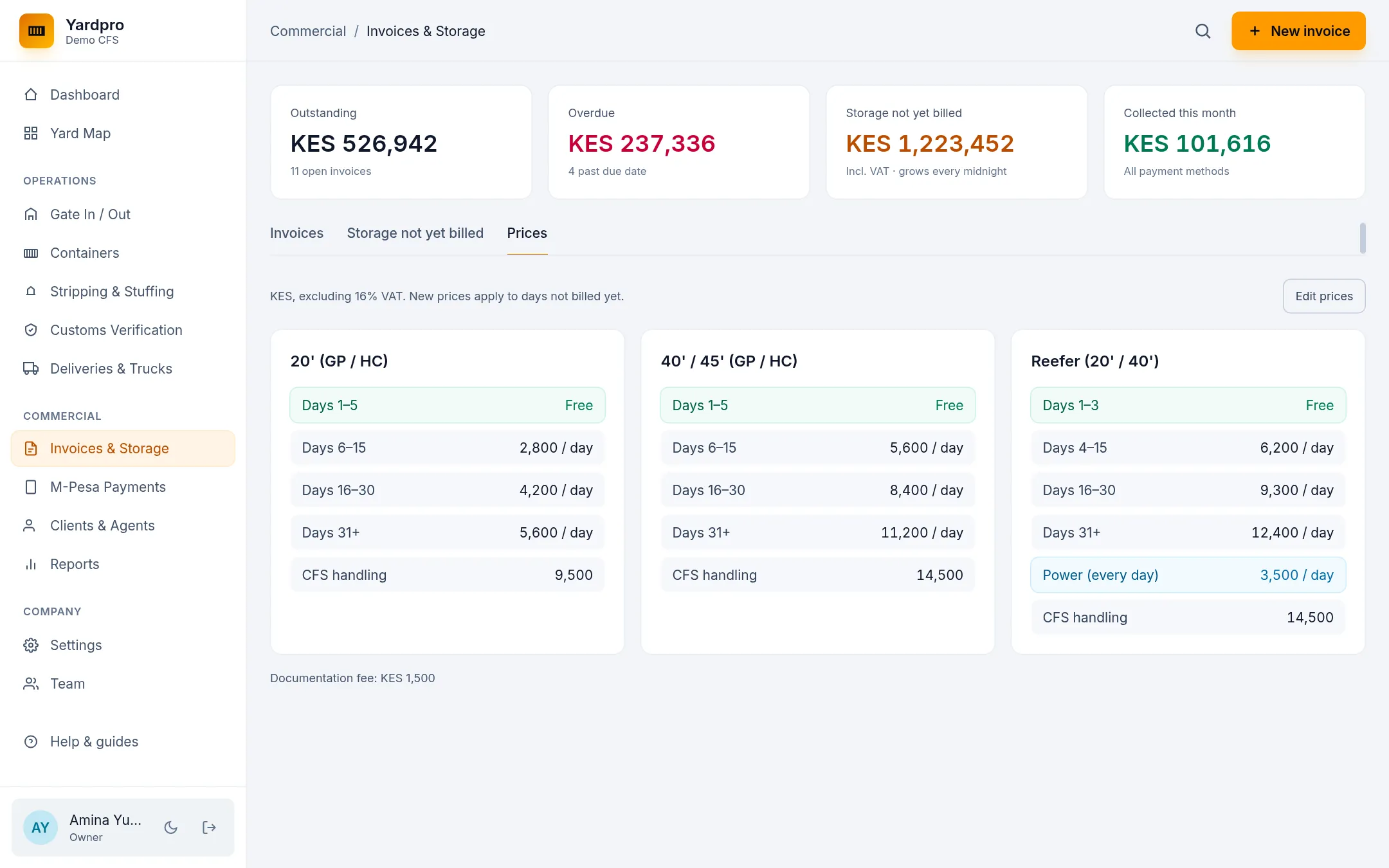
Your prices are on Invoices & Storage, under the Prices tab. New companies start on default prices, so check these before you bill.
Change them
- Choose Edit prices.
- For each class (20-foot, 40/45-foot and reefer), set the free days, rates, reefer power and CFS handling.
- Set the Documentation fee.
- Choose Save prices.
All prices are in KES, excluding 16% VAT.
How storage is worked out
Storage counts from the day a box gates in:
- Free days cost nothing.
- After that, the first rate runs to day 15.
- The second rate runs from day 16 to day 30.
- The third rate runs from day 31 onwards.
- Reefers also pay for power every day.
Note: New prices apply to days not billed yet. Issued invoices never change.
Give an estimate
For when an agent asks “how much if I collect on Tuesday?”, open the Storage not yet billed tab and use Estimate if gated out in. Enter the Days ahead to see what each box will owe.