After stripping, cargo sits in your warehouse. The Warehouse tab on Deliveries & Trucks lists every line, its location and whether it can go.
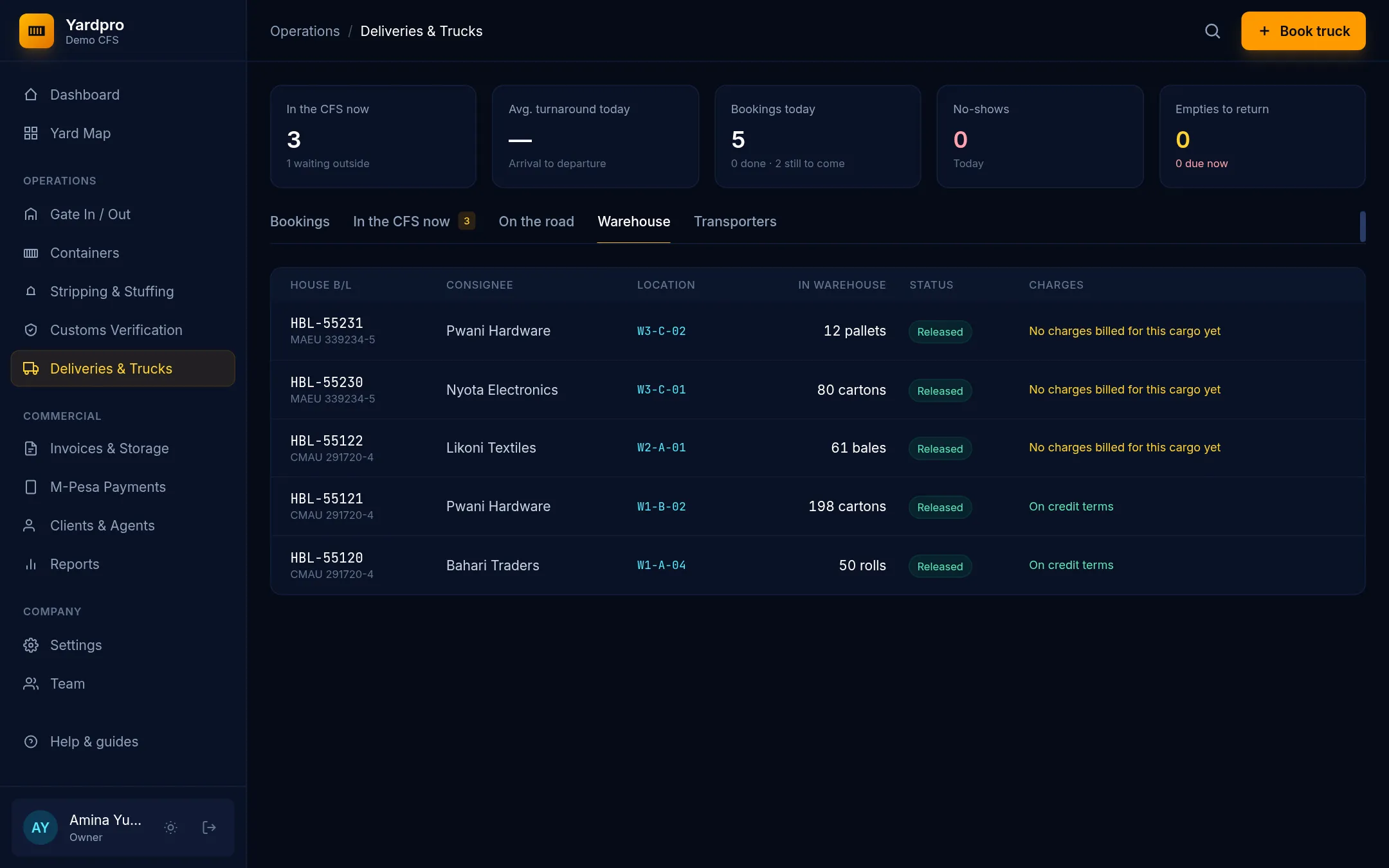
Three things have to happen
- Release it. An Owner, Yard Supervisor or Customs Desk chooses Release on the line.
- Bill it. Finance bills it on an invoice. See Create an invoice.
- Book a truck. Choose Book truck, then Collect, choose the line and enter How many.
Part collections are fine. Yardpro keeps track of what’s left, and won’t let you book more than is available.
The money check
When the truck is ready to leave, Yardpro checks the charges on that cargo:
- It must be billed.
- Cash clients must have paid in full.
- Credit clients can collect within their terms, unless they’re on hold or the invoice is overdue.
If the check fails, the truck can’t leave, and the attempt goes in the gate log.
Override
An Owner or Yard Supervisor can choose Override and give a reason. The reason stays on the booking.
Gate pass
When loose cargo leaves, Yardpro records it in the gate log and creates a gate pass. Choose Print gate pass on the booking.