Clients & Agents holds your consignees, clearing agents and consolidators.
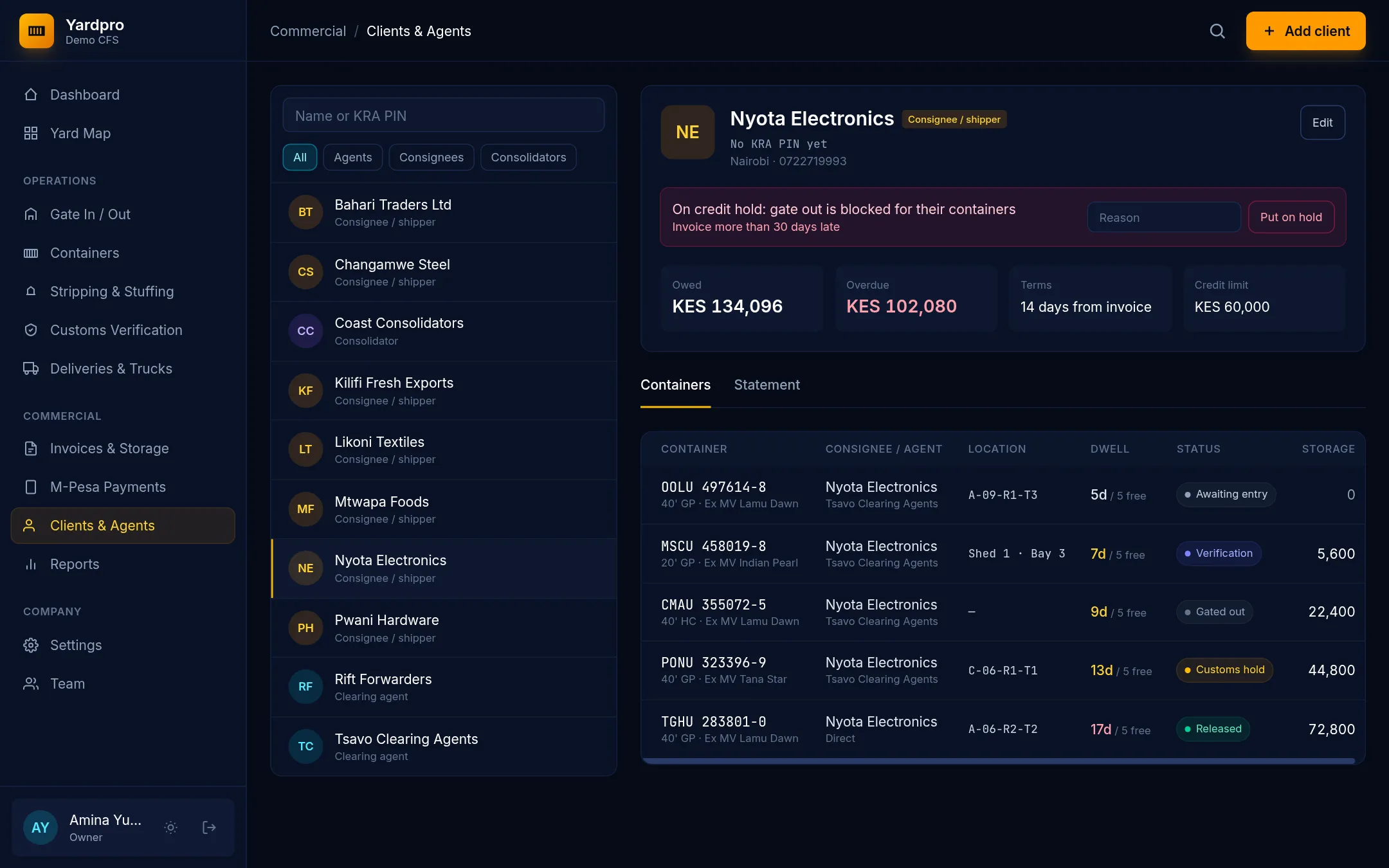
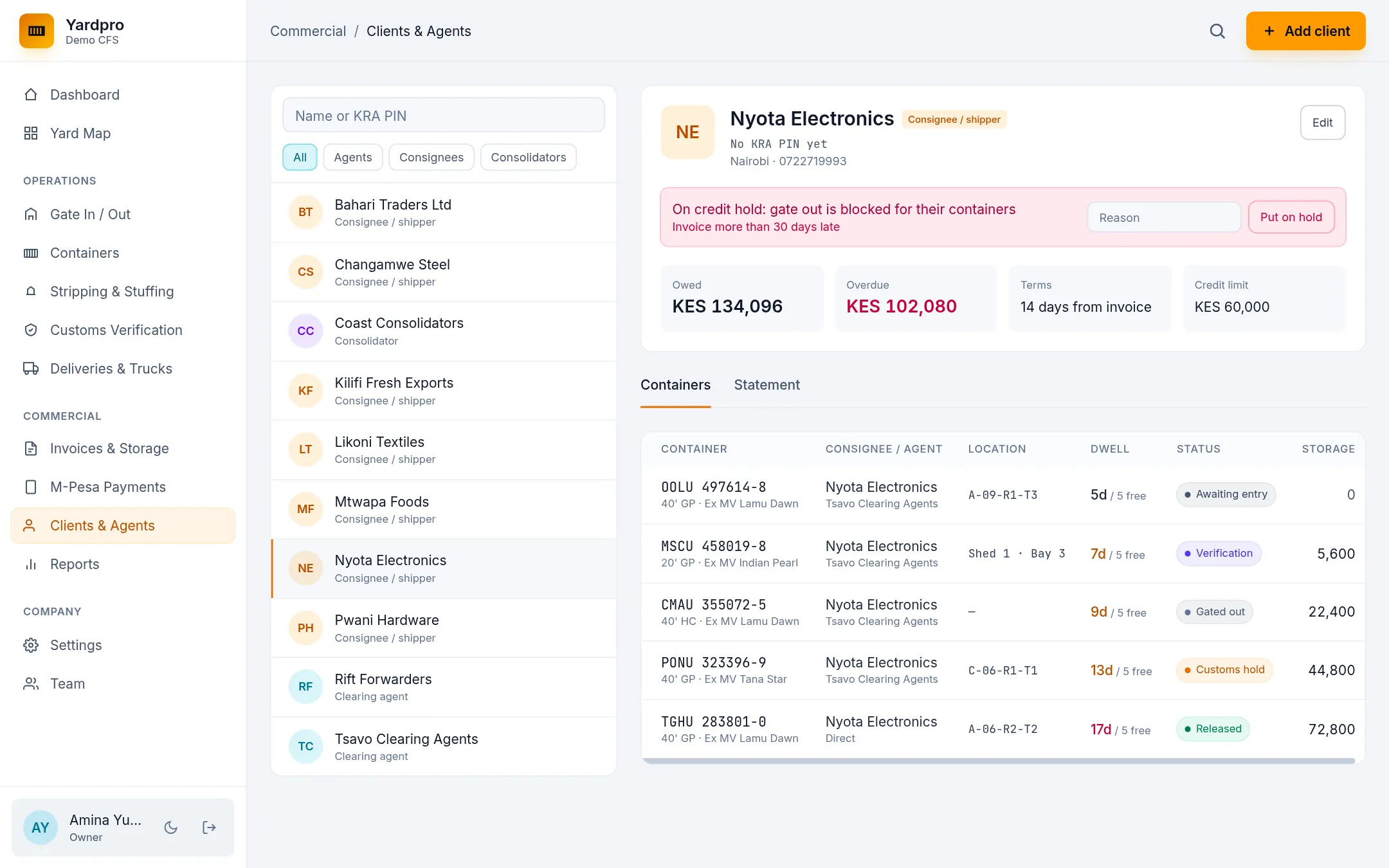
Add a client
- Choose Add client and choose the Type.
- Enter the Business name, KRA PIN, Phone, Email and Town.
- Set the Payment terms (days) and Credit limit (KES).
- Choose Save client.
Terms of 0 days make them a cash client, who pays before release.
Only the Owner and Finance can set terms and limits.
What the client page shows
The page shows what they owe, what’s overdue, their terms and limit. The Containers tab lists their boxes, and the Statement tab shows their invoices and payments.
How credit holds work
A client goes on hold when:
- An invoice is more than 30 days late. Yardpro warns you from 26 days.
- What they owe goes over their credit limit.
- Someone chooses Put on hold, with a reason.
While a client is on hold, their containers and loose cargo are blocked at the gate. Automatic holds lift once the balance is back within limits.
Remove a hold
Choose Remove hold to lift a manual hold. For an automatic hold, take payment on the overdue invoices.
Tip: Who pays depends on the container: the clearing agent, or the consignee if there’s no agent.