Invoices & Storage shows what’s outstanding, what’s overdue and the storage still building up.
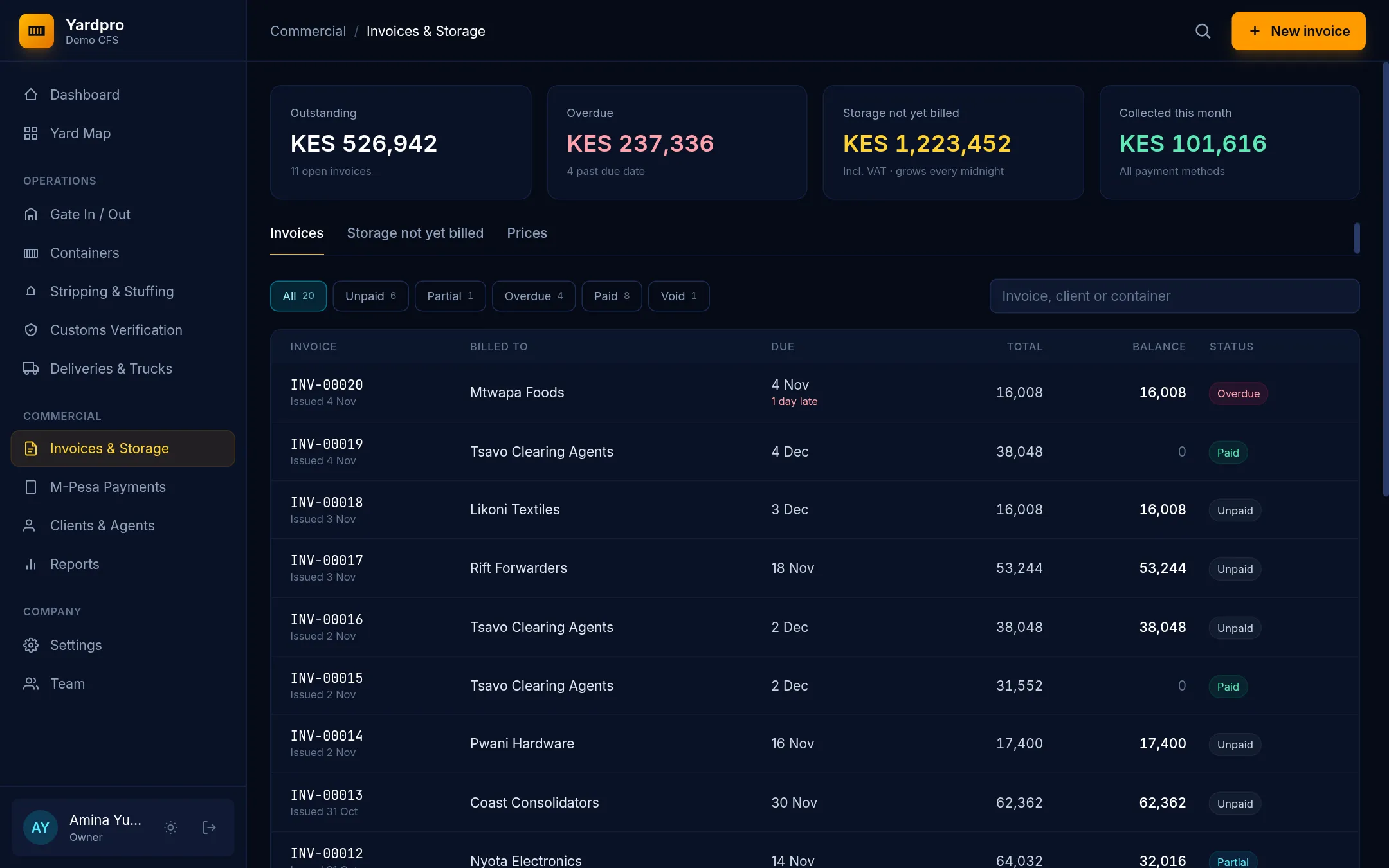
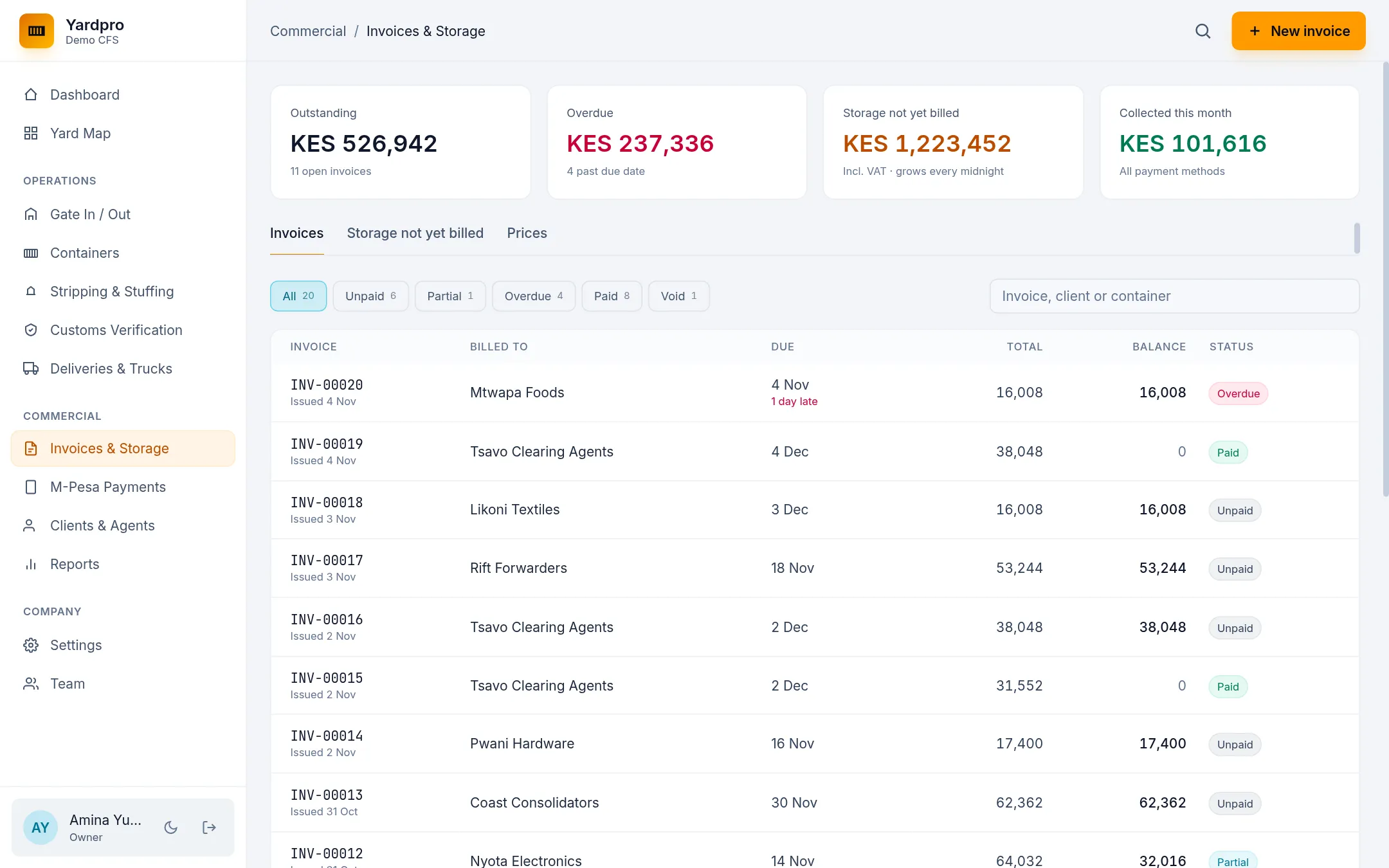
Issue an invoice
- Choose New invoice and choose the client.
- Tick the containers to bill storage for. Yardpro only bills days that haven’t been billed.
- Choose + Handling to add CFS handling and documentation. A laden box needs this before it can leave.
- Under Loose cargo not billed yet, choose + Charge on any cargo to bill. Add anything else under Other charges.
- Check the Subtotal, VAT 16% and Total KES.
- Choose Issue invoice.
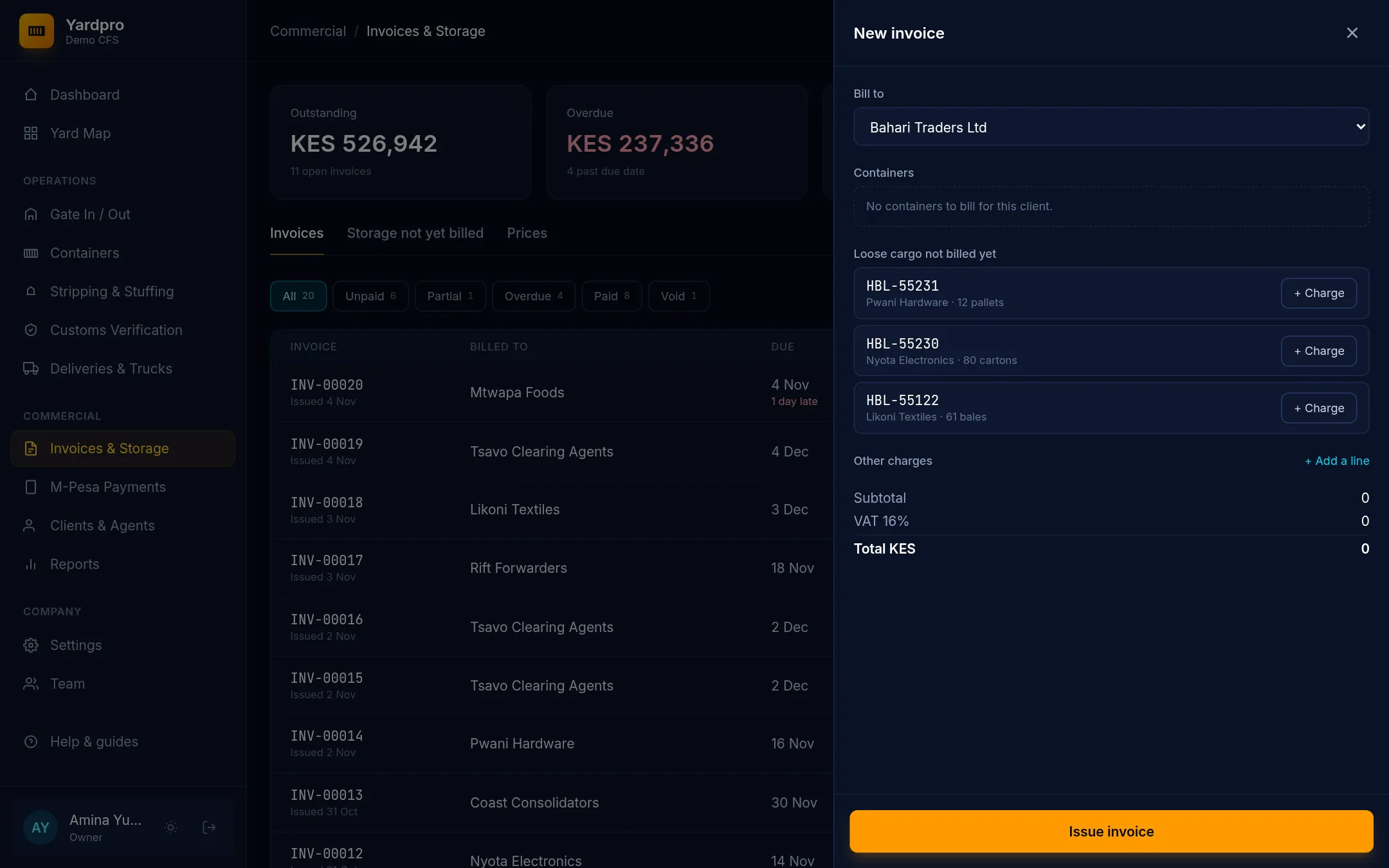
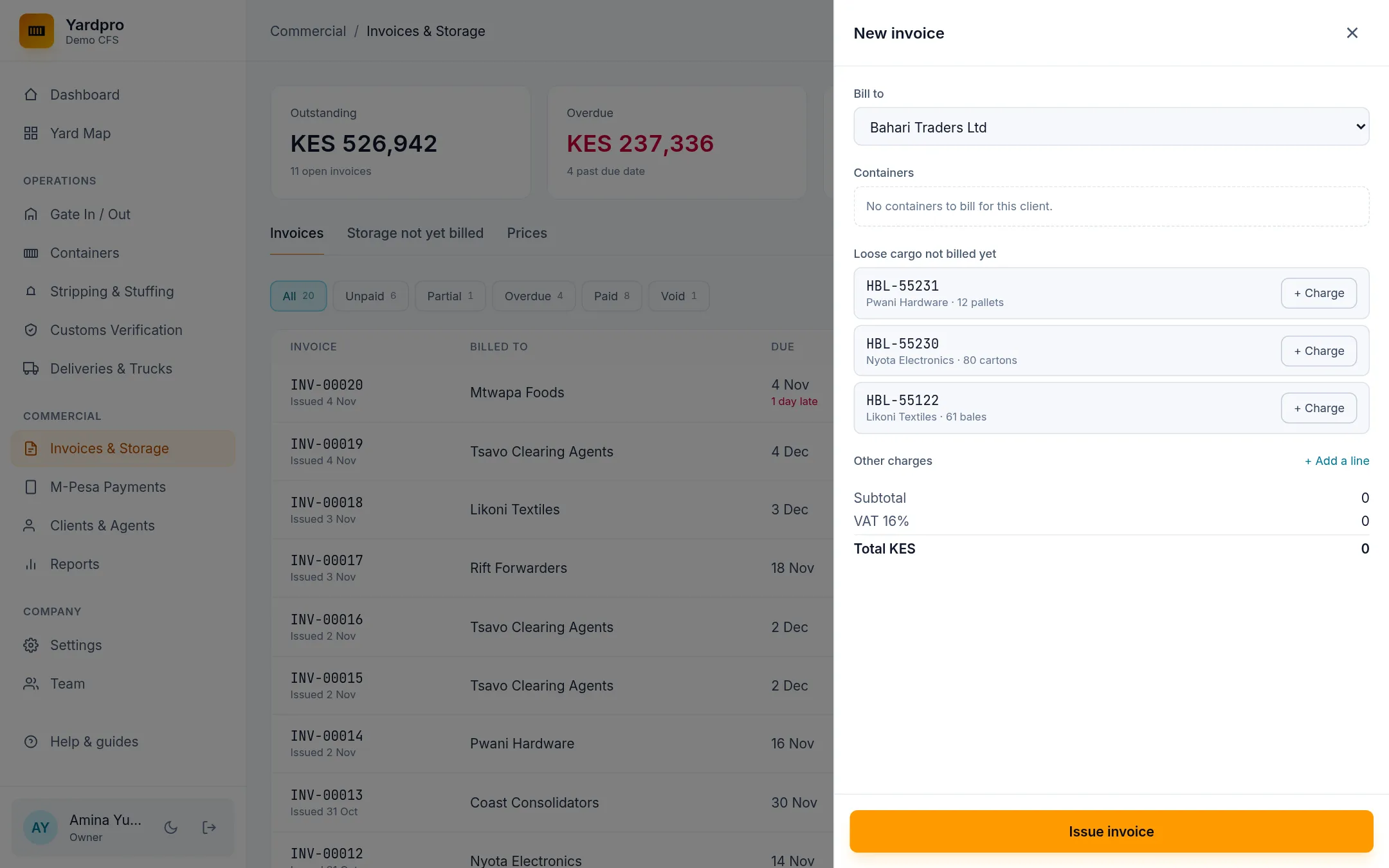
The due date comes from the client’s payment terms. Open an invoice and choose Print for the tax invoice.
Bill from the storage list
The Storage not yet billed tab lists every box with storage building up. Choose Bill now to start an invoice for that box.
Fix a mistake
An issued invoice is never edited. Instead:
- Reverse any payments on it. See Record and reverse payments.
- Open it, choose Void this invoice… and give a reason.
- Issue a new one.
A voided invoice keeps its number, and its storage can be billed again.
Note: Invoice status comes from the money: Unpaid, Partial, Paid, Overdue or Void.