Open Gate In / Out and choose Gate In.
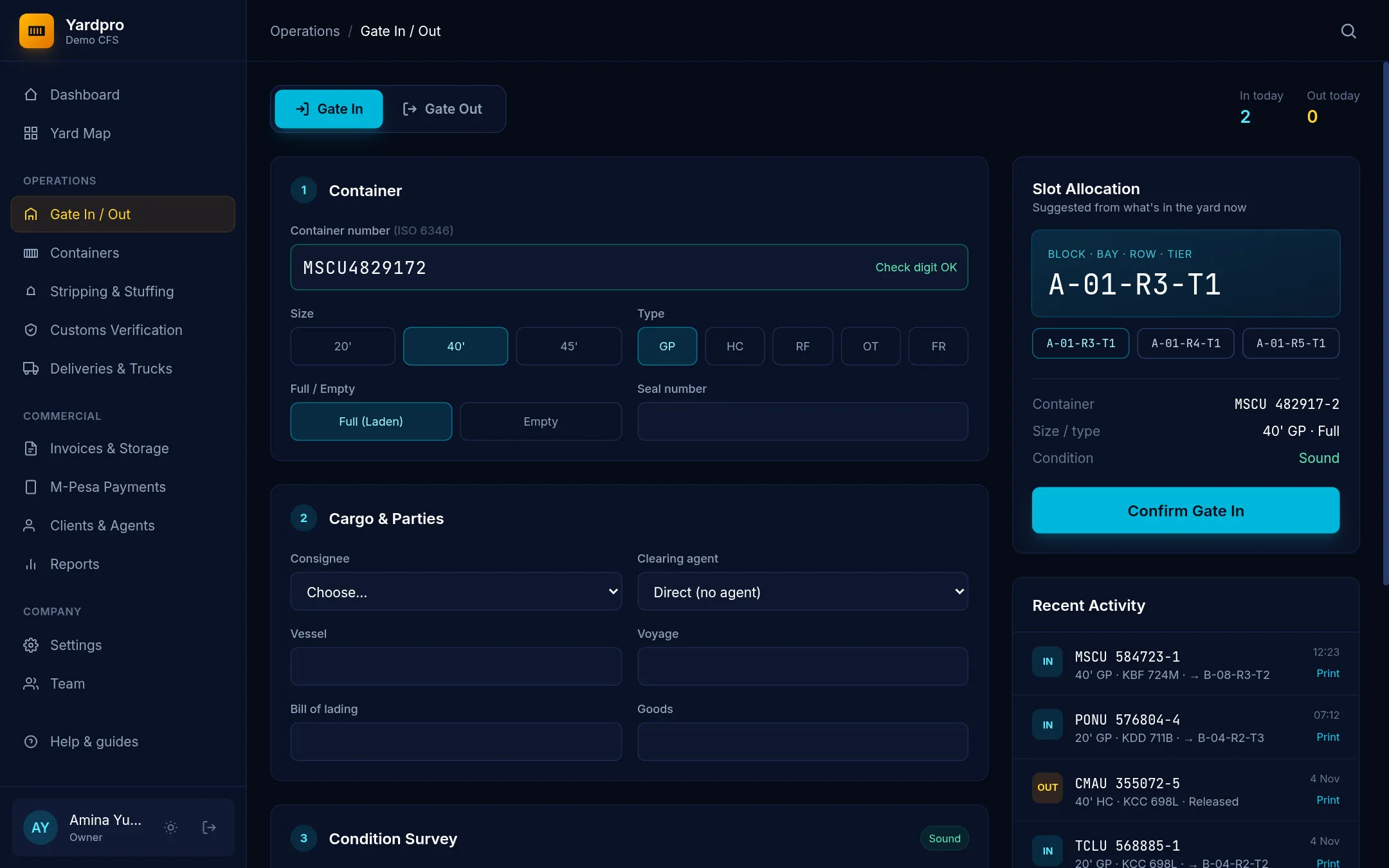
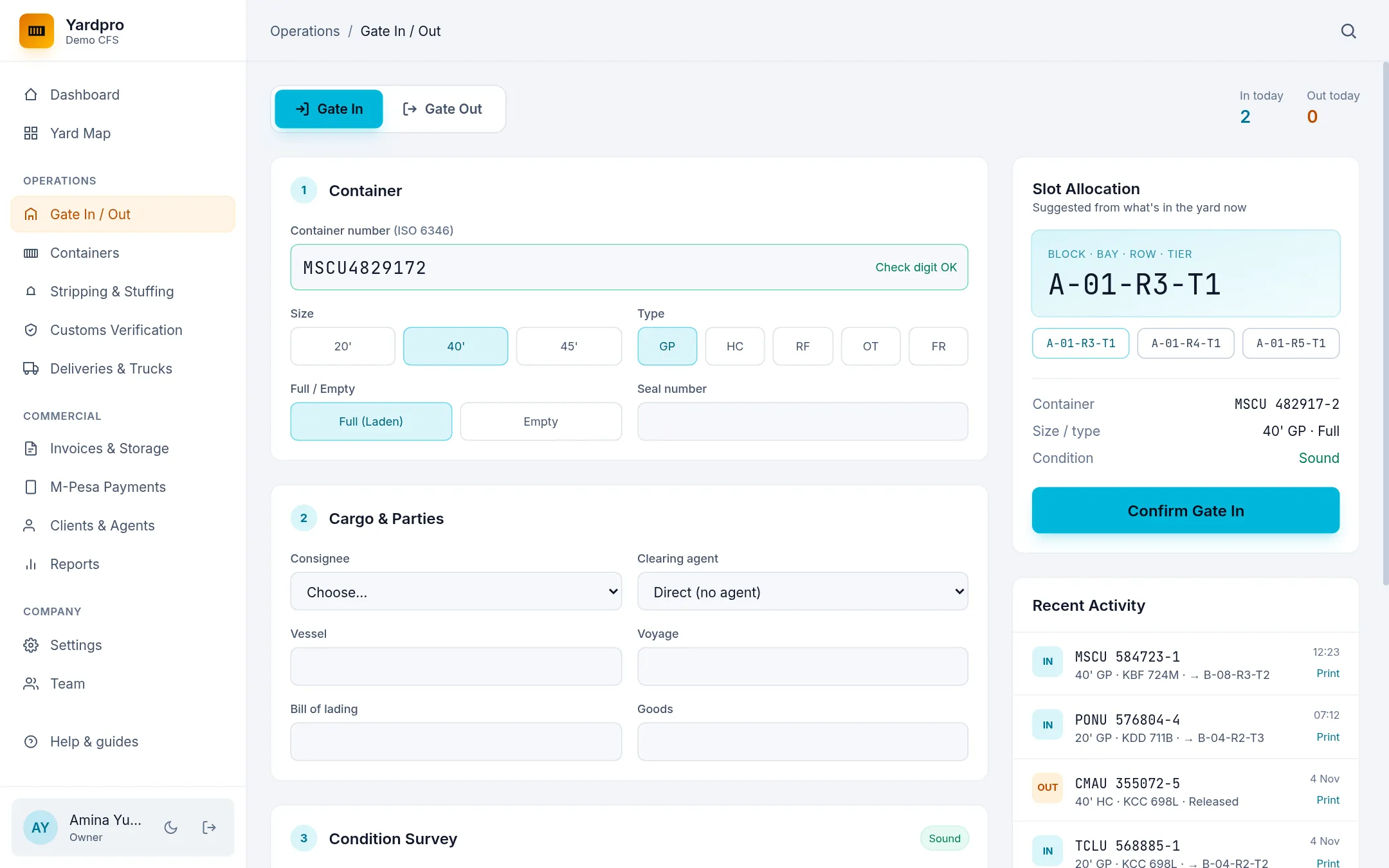
Enter the container
- Type the Container number. Yardpro tests its check digit and warns you if it looks wrong.
- Choose the Size and Type, and whether it’s Full (Laden) or Empty.
- Enter the Seal number.
Tip: A failed check digit usually means a mistyped character. Read the number off the box again before you continue.
Cargo and parties
Choose the consignee and clearing agent. If the client is new, you can type a New consignee’s name. Choose Direct (no agent) when the consignee clears their own cargo.
Add the Vessel, Voyage, Bill of lading and Goods if you have them. Whoever is named as the clearing agent is billed, or the consignee if there’s no agent.
Condition survey
Record any damage you see, with remarks for its location and size. This protects you if a client later says the box was damaged in your yard.
Truck and driver
Enter the Truck reg., Trailer reg., Driver name, Driver phone, Transporter and Origin.
Choose a slot
Under Slot Allocation, Yardpro suggests slots from what’s in the yard now. Pick one, or type your own, like A-04-R2. It follows the stacking rules:
- A 40-foot box can’t sit on a 20-foot box.
- Stacks go up to 4 tiers.
- Reefer plugs (
RF-01toRF-08) are for reefers only.
Finish
Choose Confirm Gate In, then print the EIR for the driver. A laden box starts as Awaiting entry. An empty box starts as Released.