Setting up Yardpro takes a few minutes. You need your company’s name, its KRA PIN and the town you work from.
Create your account
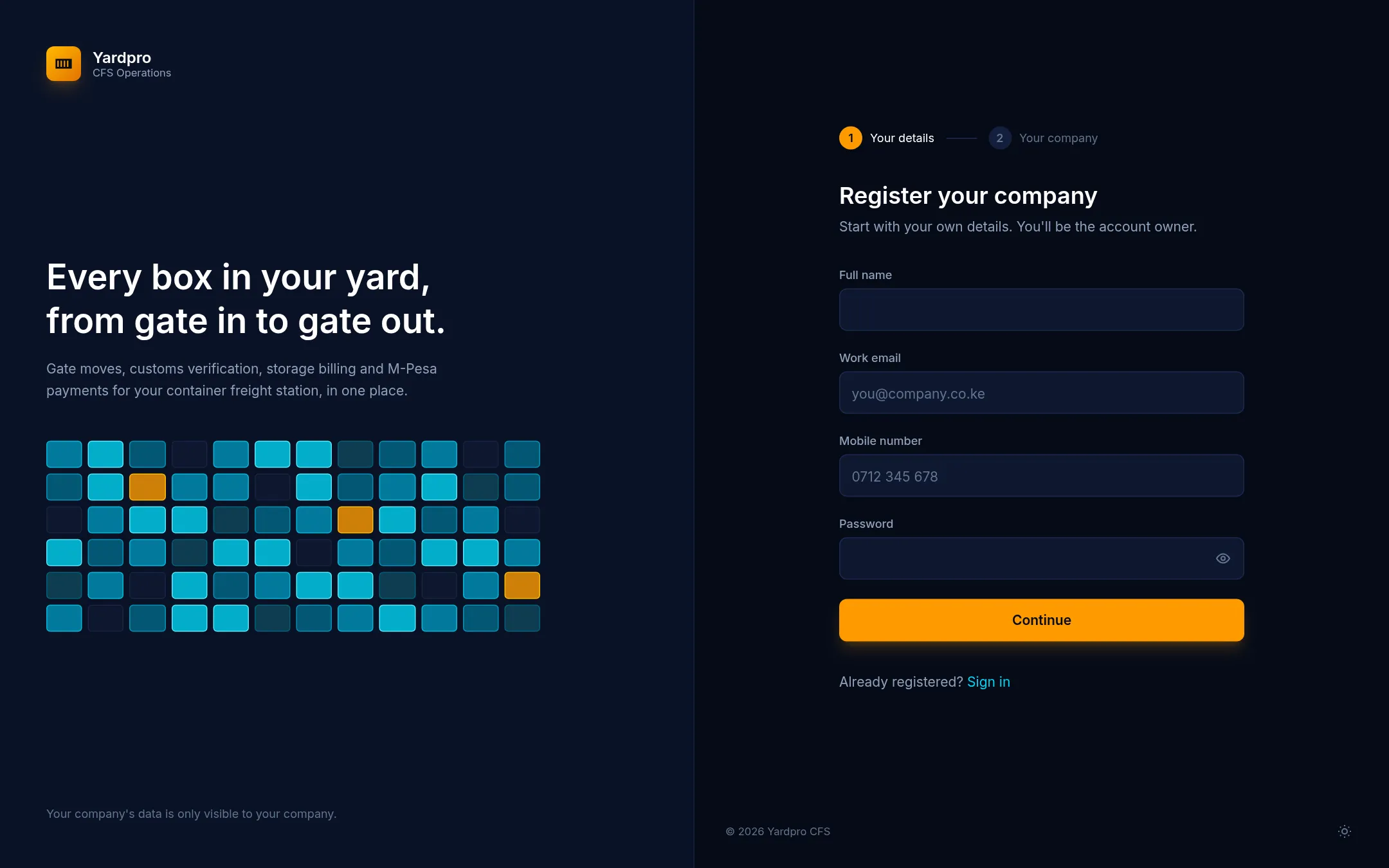
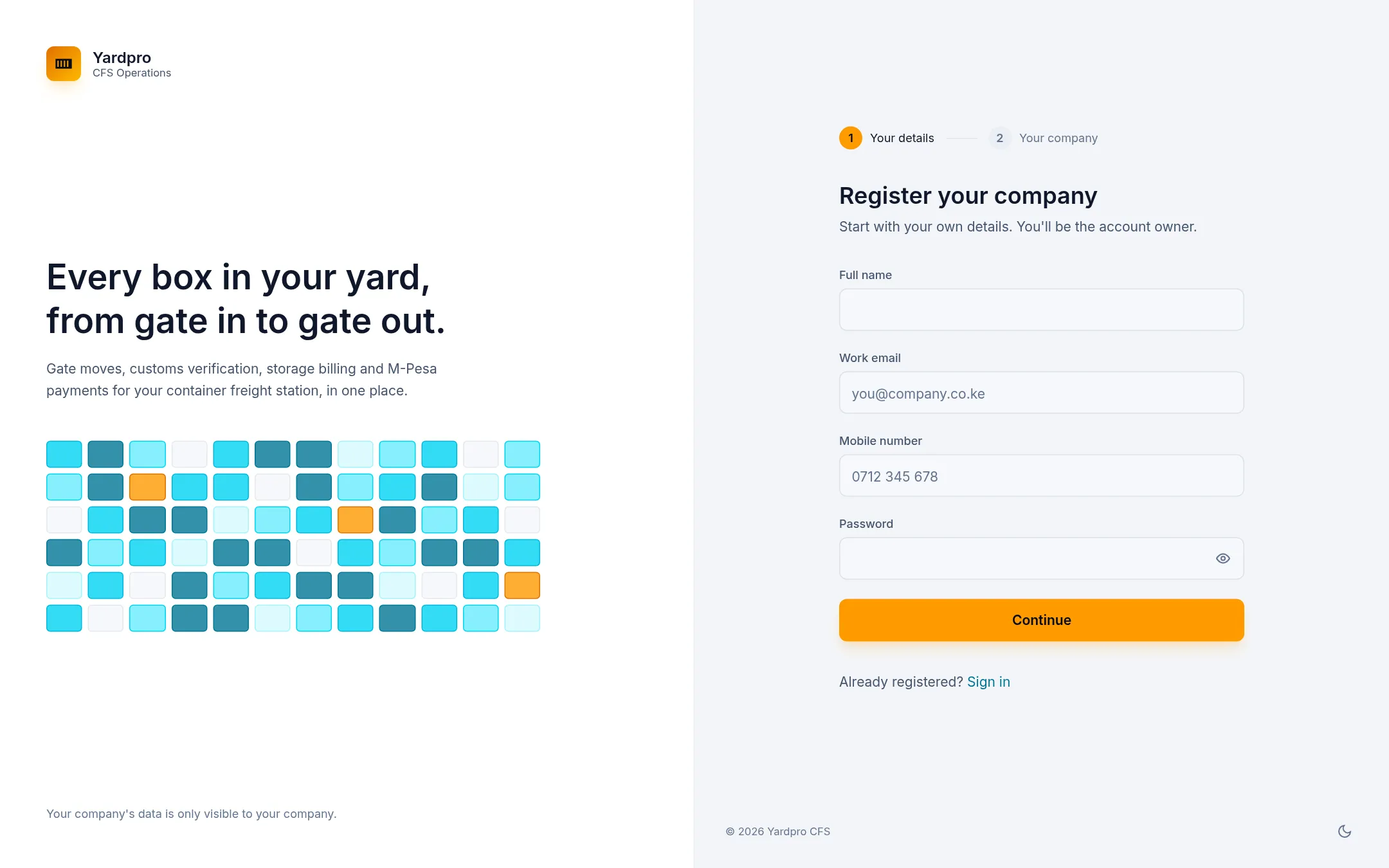
- Go to Yardpro and choose Register your company.
- Enter your Full name, Work email, Mobile number and a password.
- Choose Continue.
You become the account Owner, which means you can open every screen and invite your team.
Add your company
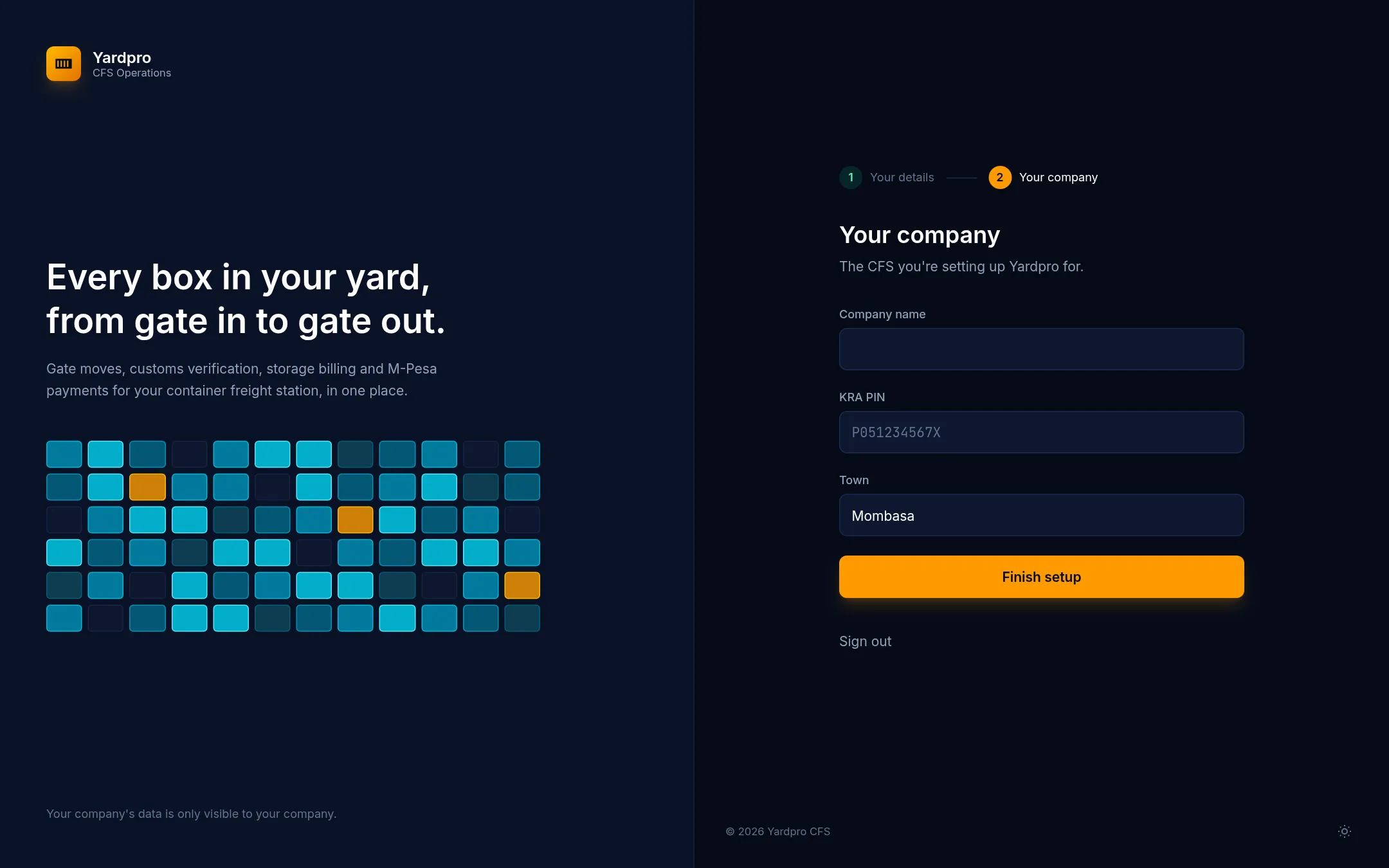
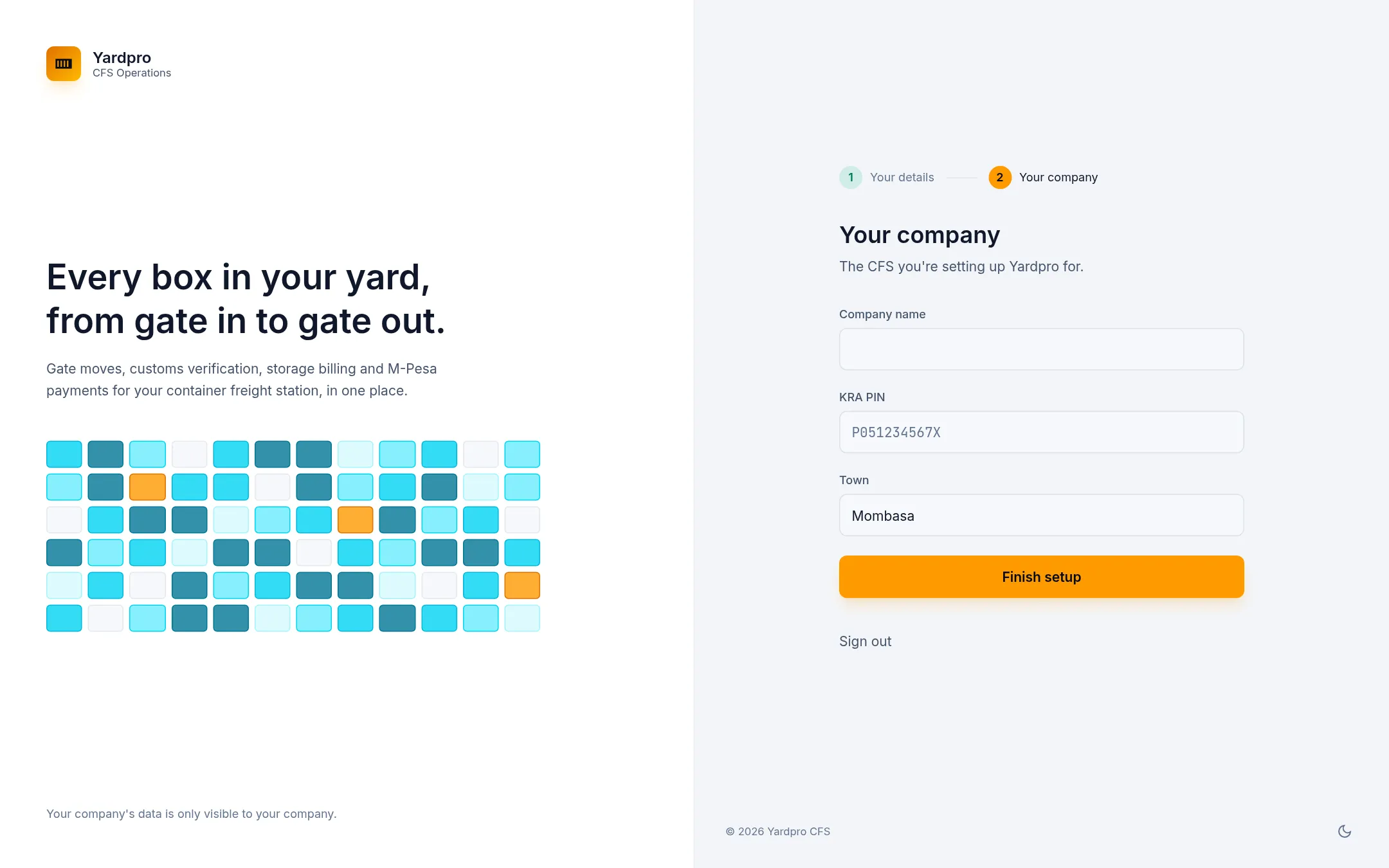
Next, tell Yardpro about the CFS you’re setting up.
- Enter your Company name.
- Enter your KRA PIN: a letter, nine digits and a letter, like
P051234567X. - Enter your Town.
- Choose Finish setup.
Note: Your company name and KRA PIN print on invoices and gate documents, so use your registered details. Once you’ve issued an invoice, the KRA PIN can’t be changed.
What next
You’ll land on your Dashboard. Before your first gate in, set up your site, then invite your team.