The dashboard
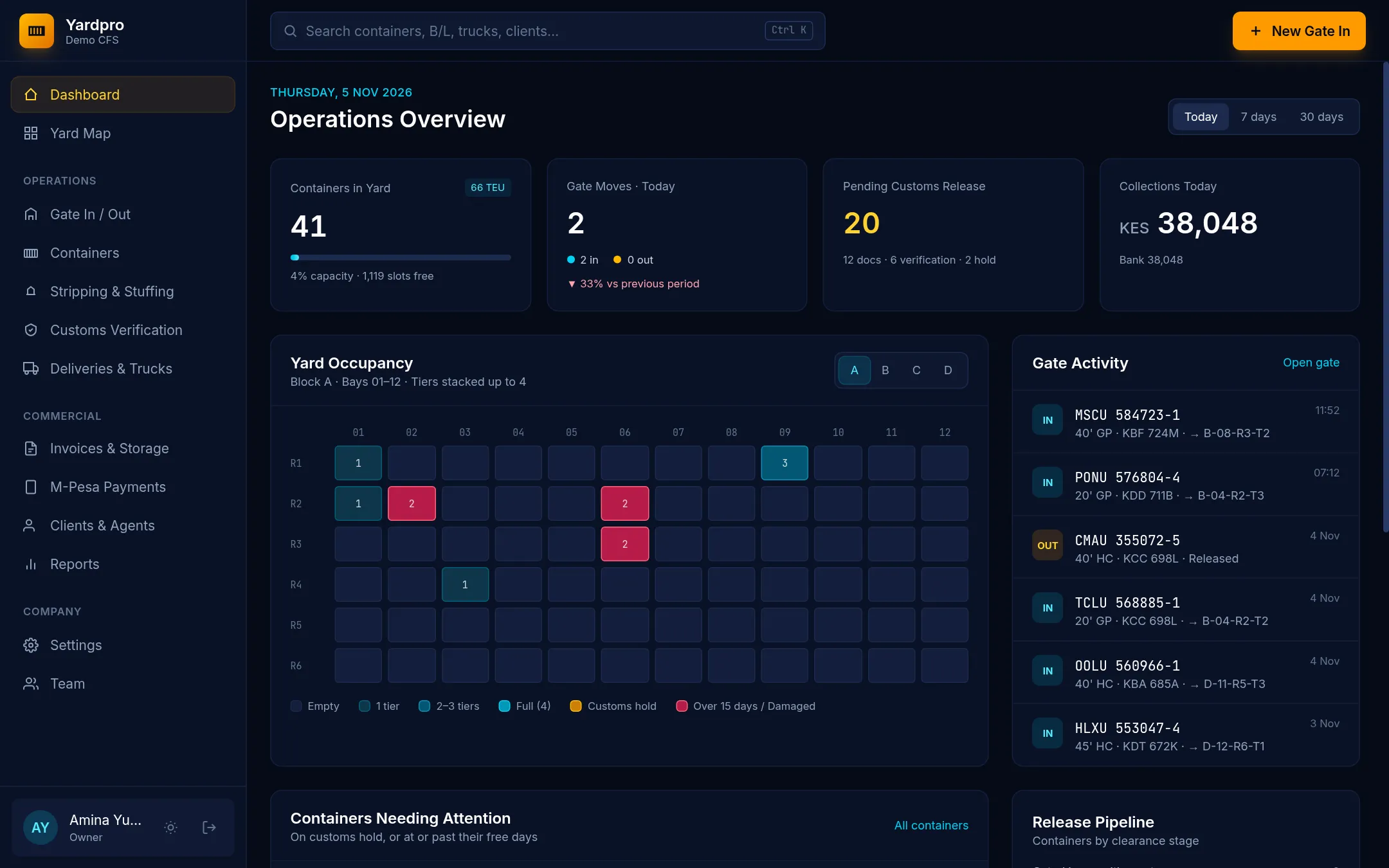
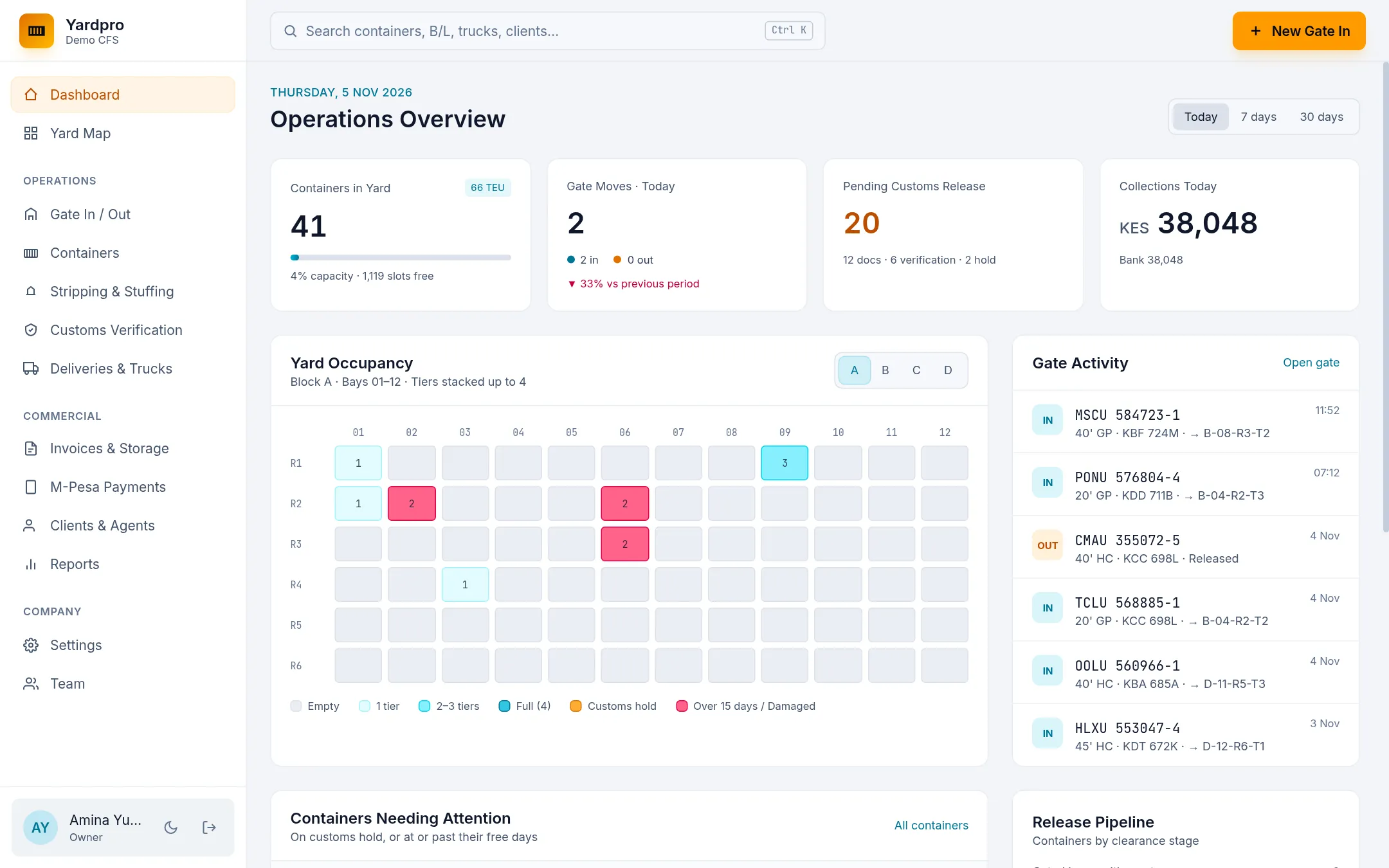
The Dashboard shows where the yard stands: boxes in the yard, today’s gate moves, what’s waiting on customs, recent gate activity and the containers that need attention.
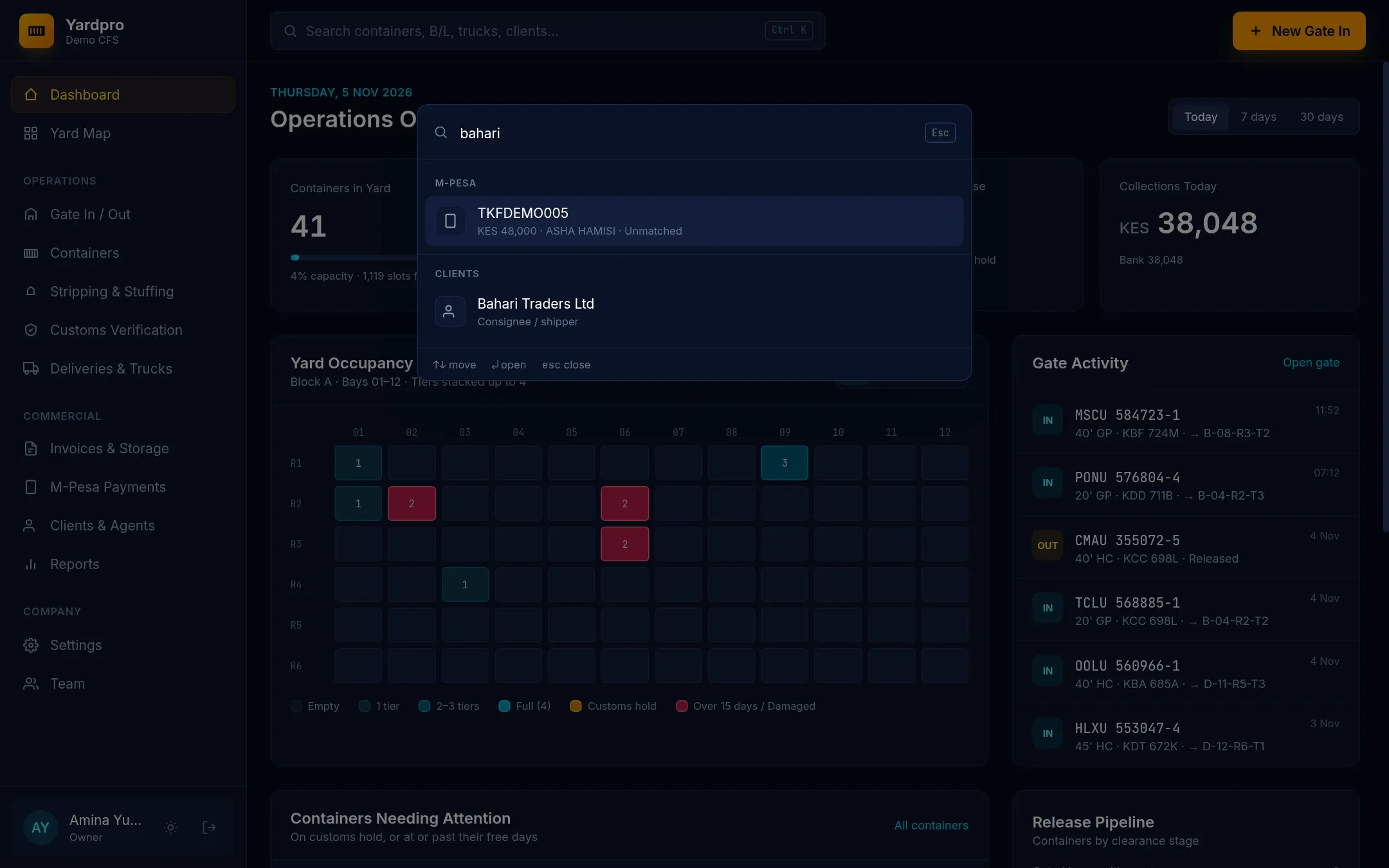
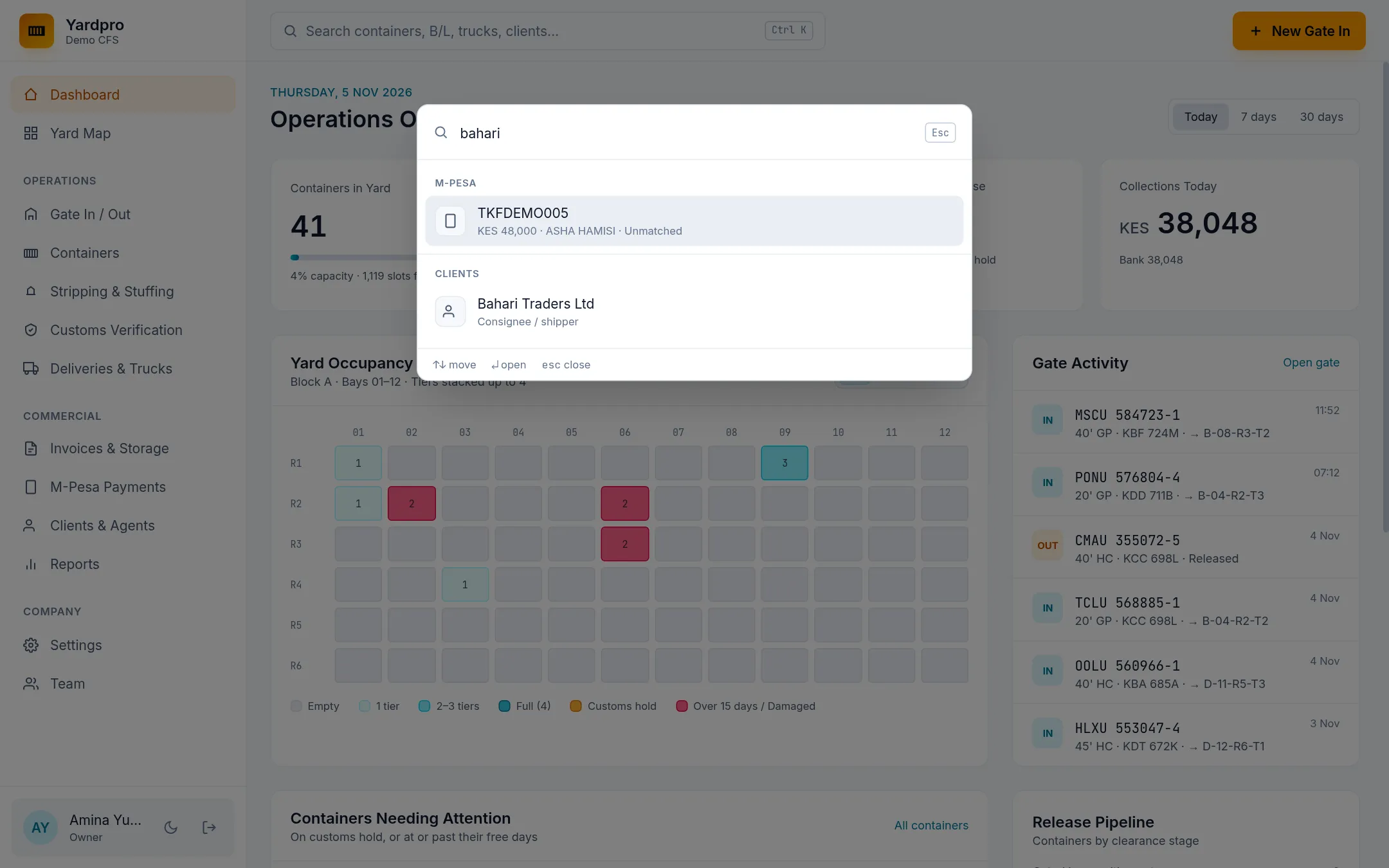
Search everything with Ctrl+K
Press Ctrl + K on any screen, or ⌘ + K on a Mac, then start typing. You can search:
- Containers, by number, B/L, customs entry or truck.
- Cargo jobs, truck bookings, invoices and M-Pesa receipts.
- Clients and people.
- Actions, like New gate in or Book a truck, and the help guides.
Use the arrow keys to move, Enter to open and Esc to close.
Light and dark
Choose your name at the bottom of the sidebar, then Light theme or Dark theme. You’ll find Help & guides and Sign out in the same menu. Yardpro remembers your choice on that device, and follows your device’s setting until you make one.
Use it on a tablet or phone
Yardpro runs in the browser, so there’s nothing to install. On a phone or tablet, your browser may also offer Add to Home Screen or Install app, which opens Yardpro like an app.
Note: Yardpro needs an internet connection. If you lose it, you’ll see an offline page until you’re back.