The Settings screen shapes Yardpro around your site. Only the owner can open it.
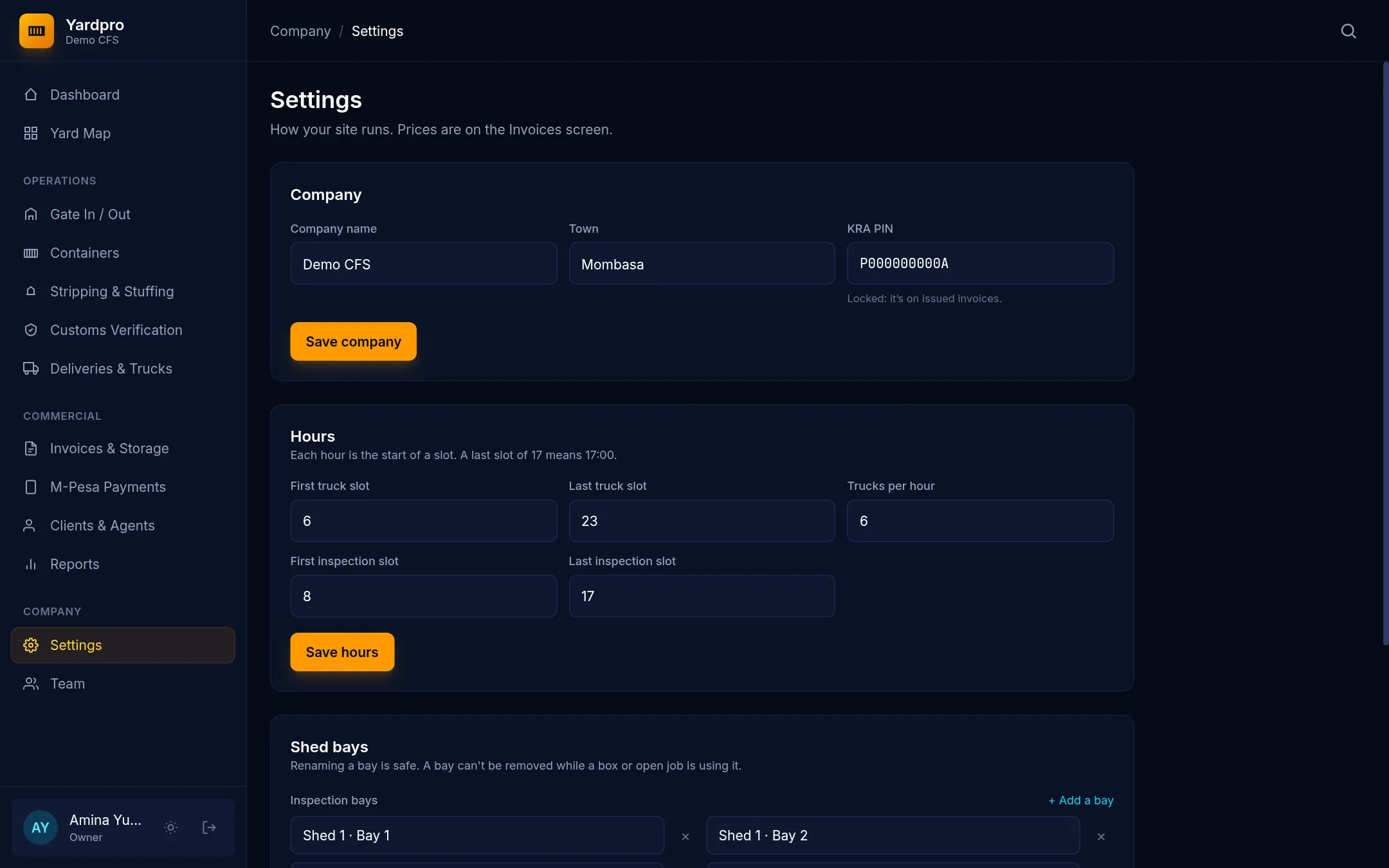
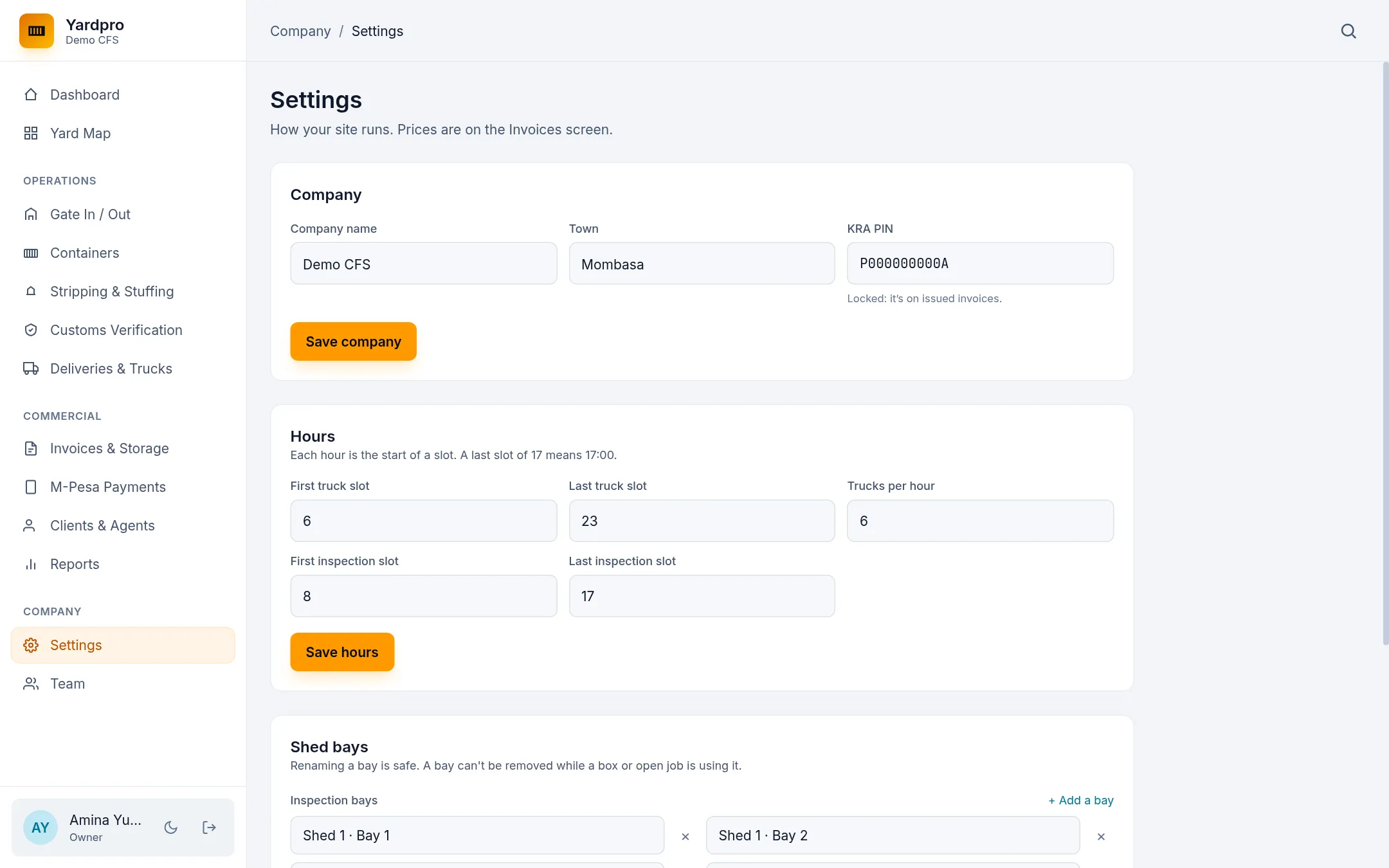
Company details
Update your Company name, Town and KRA PIN, then choose Save company. The KRA PIN locks once you’ve issued an invoice, because it’s printed on your documents.
Hours
Each hour is the start of a slot, so a last slot of 17 means 17:00.
- First truck slot and Last truck slot set when trucks can be booked.
- Trucks per hour sets how many trucks each slot takes.
- First inspection slot and Last inspection slot set when inspections can be booked.
Choose Save hours.
Note: Changing your hours doesn’t move existing bookings. A booking outside the new hours stays in your lists, but it won’t show on the slot grid.
Shed bays
There are two lists: Inspection bays for customs, and Stripping and stuffing bays for cargo work.
- Choose + Add a bay to add one, and give it a name.
- Type over a name to rename a bay. Old records pick up the new name.
- Choose × to remove a bay.
Choose Save bays when you’re done. You must keep at least one bay in each list, and two bays can’t share a name.
Tip: A bay can’t be removed while a container or open job is using it. Finish the work first. Old records keep the name of a removed bay.
Your prices
Storage and handling prices are on the Invoices screen. See Set your prices.
Note: The yard grid itself is fixed: four blocks (A to D) of 12 bays, 6 rows and 4 tiers, with 8 reefer plugs. If your yard is laid out differently, talk to us before you start.