Stuffing loads cargo into an empty container. The box must be empty and released. Open Stripping & Stuffing and choose New stuffing.
Schedule the job
- Choose the Container, the client, the bay, the Date and the Time.
- Enter the Booking reference, Vessel, Discharge port and Port cut-off.
- Enter the Tare weight (kg) and Maximum gross (kg).
- Add each item on the packing list, with its quantity, kg each and warehouse location.
- Choose Schedule job.
Load it
Select the job and choose Start job. Count each item as it goes in. The count can’t go above the packing list.
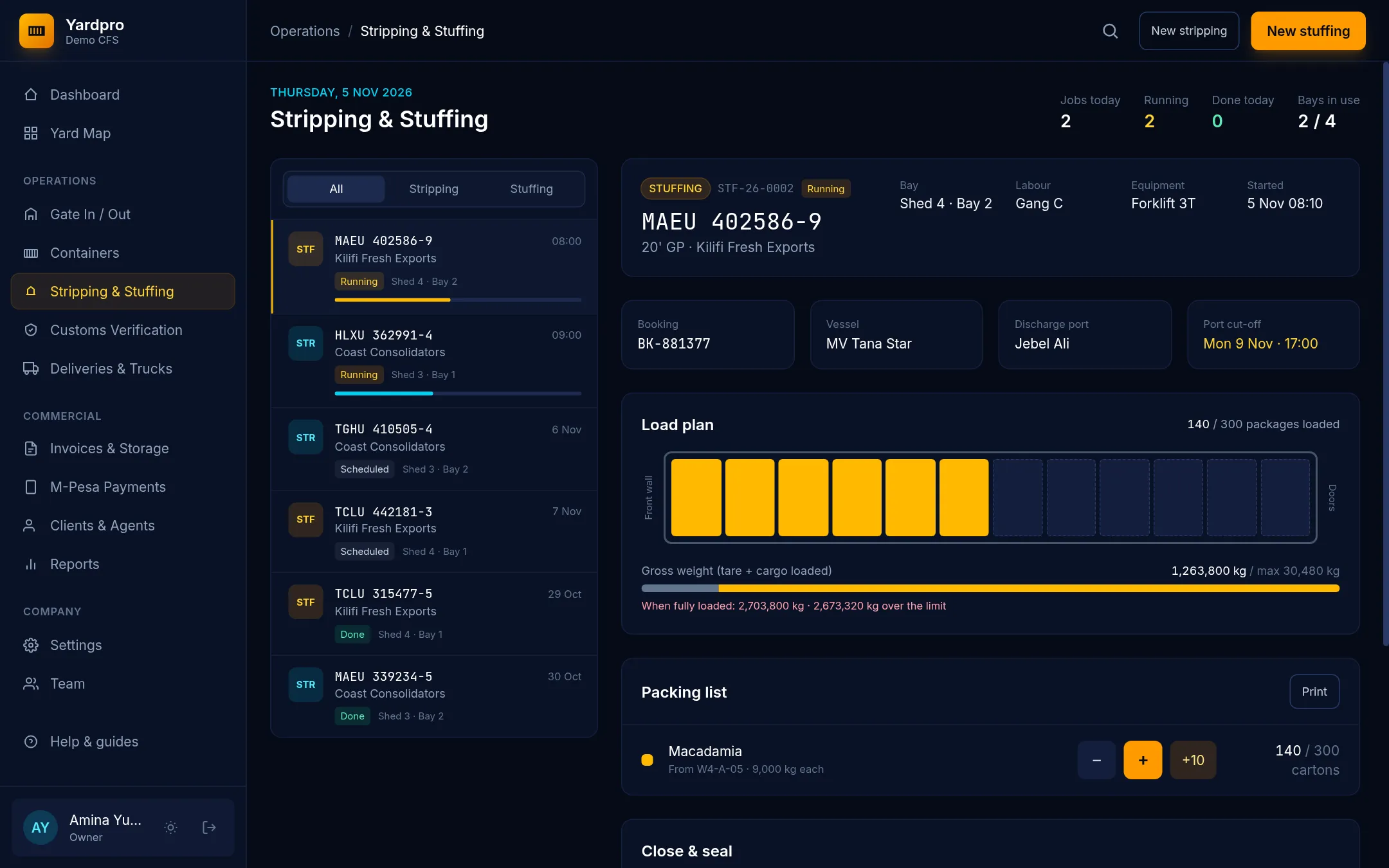
The Load plan and Gross weight show how the box is filling up.
Seal it
Once everything on the packing list is loaded:
- Under Close & seal, enter the Seal number (from the shipping line).
- Enter the Verified gross mass (kg).
- Choose Seal container.
Important: Yardpro refuses a verified gross mass over the container’s maximum. Take cargo out before sealing.
The box goes back to a yard slot, now laden and sealed.
Cancel a job
Select the job, choose Cancel this job… and give a reason.